Guide · 9 min read
Frontend, backend, and a private Postgres: what that means in practice
A plain-language tour of the three pieces SpinBuild writes, and the two things it deliberately does not add.
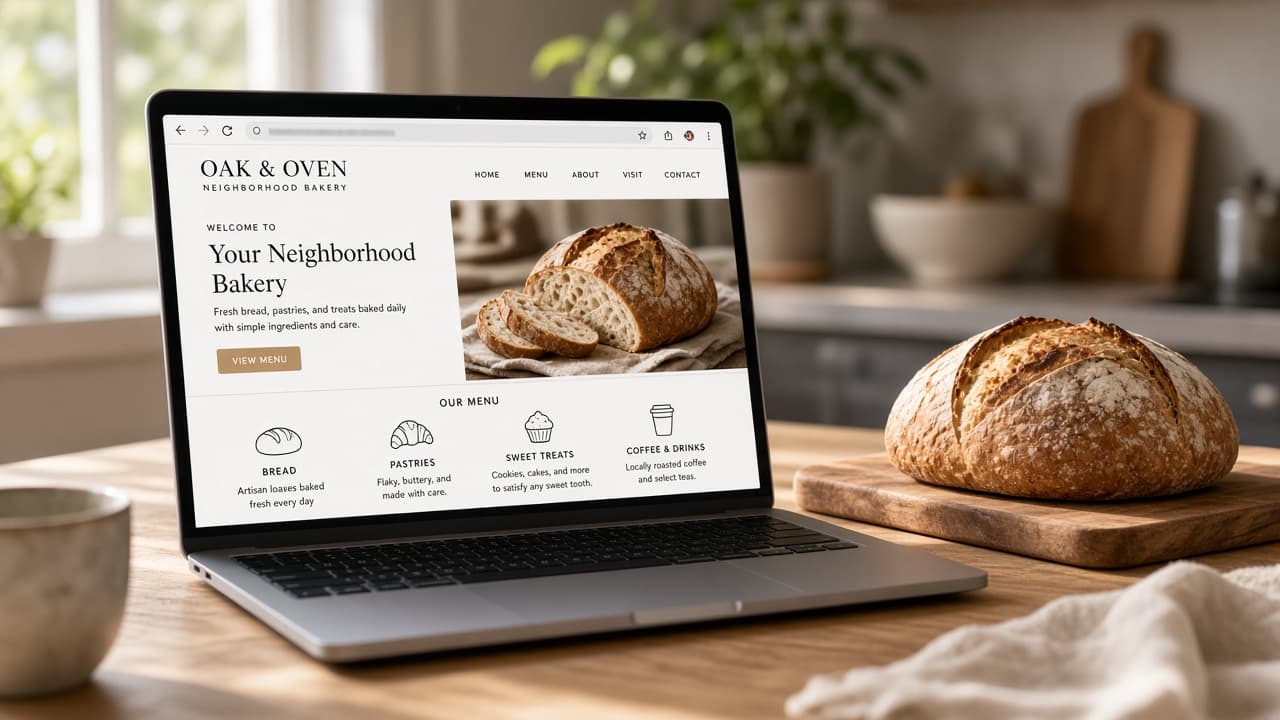
Three pieces, one web app
When SpinBuild finishes a project you accepted, you should be able to point at three things. If any of them is missing, the result is not the web app you asked for, and the diff should go back.
The frontend
This is what a person sees in the browser: the pages, the forms, the lists. For a bakery counter it is the order list, the ready button, and the menu editor. It is not a mobile app in an app store. It is a website that behaves like software.
Judge it by use, not by how modern it looks. Can someone complete the job you described without a tour? If the first screen is a dashboard of charts you never asked for, that is the frontend doing the wrong work. Reject it and ask for the screen you named.
The backend
This is the part that answers the browser. When someone marks an order ready, a request has to change that order and confirm it. The frontend cannot be the only place the rule exists, or a refresh will undo the morning.
You do not have to read the server line by line to check this. Use the private preview: do the action, reload, and see if it stuck. If it did not stick, the backend is not done, no matter how finished the page looks.
A private Postgres
Postgres is the database. Private, here, means this project’s data is not mixed into some other project’s tables. Orders for this web app live with this web app.
That matters the moment the example stops being an example. A real menu and real pickup names should not sit in a shared demo database you cannot point to. When you review a diff that adds a feature, look for a change that stores the new fact, not only a change that draws it.
What you also get
A private preview, so you can click through before anyone else can. A publish step that puts the accepted version on your-app.apps.spinbuild.ai with HTTPS. An optional one-way push to a GitHub repository you own, so the code is not trapped in the builder.
Starter is free. No credit card.
What you do not get
You do not get a custom domain. The live URL is the apps.spinbuild.ai address.
You do not get two-way GitHub. A push copies the project out. It does not keep the builder and the repository in step.
You do not get a native phone app, and you do not get a built-in product for signing your own customers in. The preview is private because it is yours while you build. The published URL is the web app you approved.
Those limits are part of the product, not a footnote. If you need them, plan for them outside SpinBuild. If you need a web app you can read before it ships, the three pieces above are the whole job, and you can start at spinbuild.ai.