Guide · 8 min read
Review the diff, then publish
What to look at before you accept a change, how the private preview fits, and what publishing actually puts online.
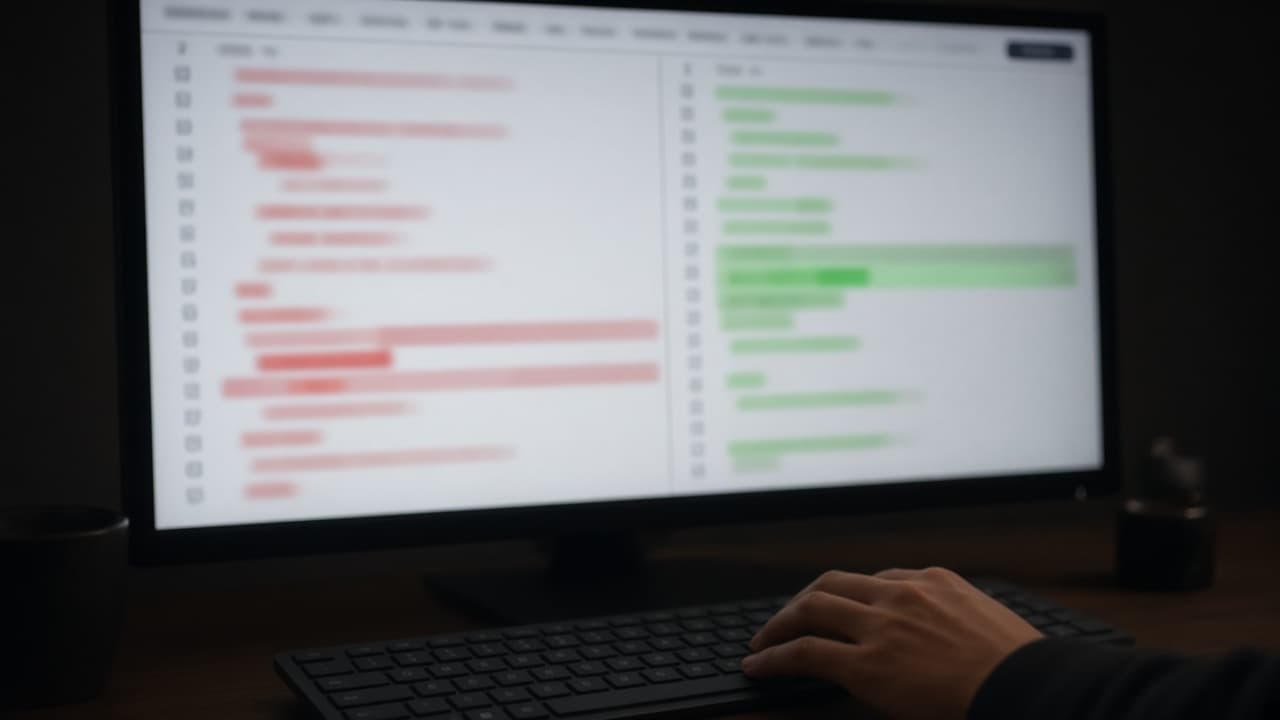
The diff is the product
A builder that writes straight into your project feels fast until you cannot tell what changed. SpinBuild stops before that. Each turn proposes a diff. You accept it or you reject it. The project updates from the decision, not from the model’s confidence.
You do not have to be the person who would have written the code. You do have to be the person who can say whether the change matches what you asked for. Whether you code or not, that review is yours.
What to check, in order
Scope. The diff should touch the thing you just asked for. A request to add a pickup time should not also redesign the menu, rename the database, or add a feature you did not mention. Extra files are a reason to read, not an automatic reject, but they are never invisible.
The behaviour. Skim for the words of your request: the field, the button, the rule. If you asked that an order can be marked ready, that action should exist. If you asked that the menu is short and editable, a hardcoded list is not done.
The data. Orders, menu items, and anything a person typed have to land in the project’s private Postgres. A screen that forgets everything on refresh is a demo, not the web app you described.
What you would be ashamed to ship. Placeholder names, a second product you did not ask for, copy that claims customers you do not have. Reject those. They are easier to remove in the diff than after the URL is public.
Accept, reject, or ask again
Accept when the diff does the job and the extra surface area is small enough that you understand it. Reject when it does a different job. If it is close, reject and send a narrower instruction: “Keep the order list. Add a pickup time field. Do not change the menu screen.”
After you accept, run the preview. The preview is private. Click the path a real person would click. Publishing is a separate step, and it should wait until that path works.
What publish does
Publish puts the accepted web app on your-app.apps.spinbuild.ai with HTTPS. That address is the live one. The private preview is not a substitute for it, and a custom domain is not part of the publish step.
If you also push to GitHub, you are copying the code into a repository you own. The push does not subscribe the builder to later edits on GitHub. Review still happens in SpinBuild, on the next diff, before the next publish.
A calm sequence is: describe, read the diff, accept or reject, click through the private preview, publish, then optionally push. Skipping the middle is how a small mistake becomes the version other people see.