Comparison · 9 min read
SpinBuild, Lovable, Bolt, and v0: compare the result, not the prompt
A description is the easy part. The useful comparison is what you can review, where the data lives, and which URL you can send someone.
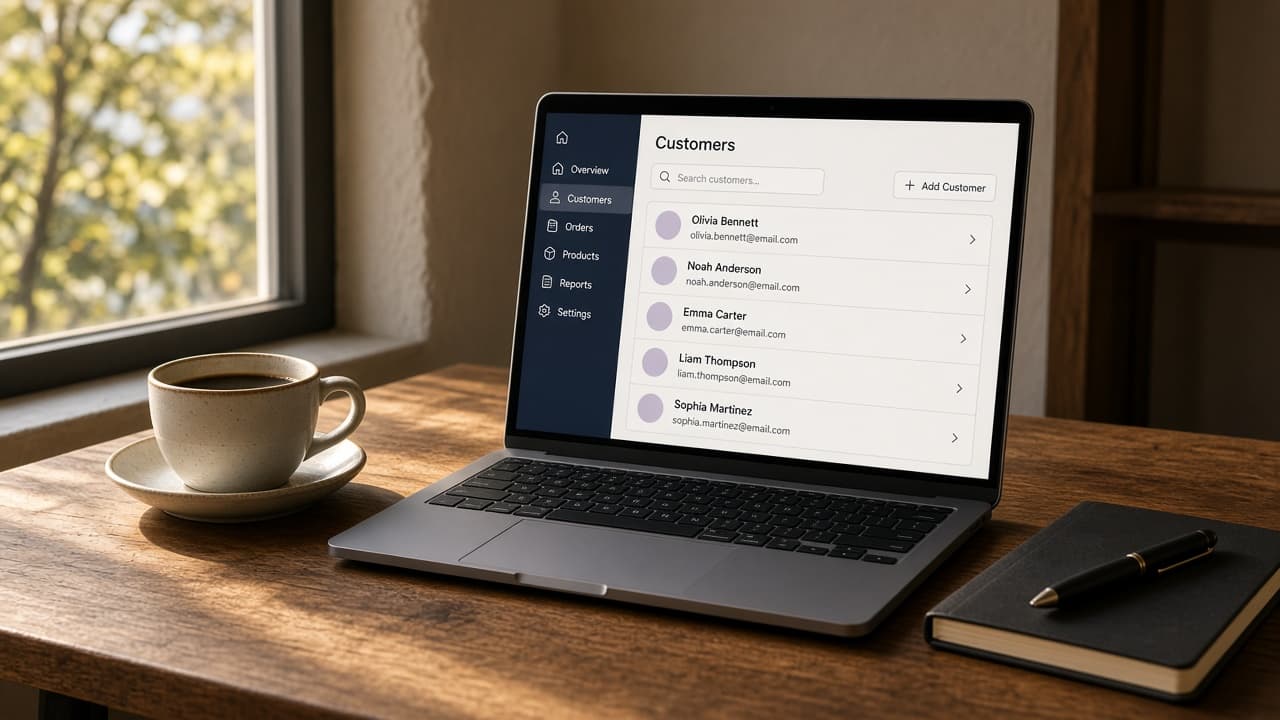
Start from the finished web app
Lovable, Bolt, and v0 all begin the same way SpinBuild does: you describe what you want, and software writes a first version. That similarity is why the products get mentioned together. It is also the least useful thing to compare. A prompt box is not a product. The product is what exists when the chat stops.
SpinBuild writes a web app: a frontend, a backend, and a private Postgres database for that project. You see every change as a diff and nothing ships until you accept it. The preview stays private. When you publish, the address is your-app.apps.spinbuild.ai over HTTPS. GitHub, if you turn it on, is a one-way push into a repository you own.
Use that list as the scorecard. Ask the same questions of any tool in this category, including ours.
Five questions that actually separate them
Is it a web app, or a page? A screen you can click through is not the same thing as an application that stores data and answers requests. If the thing you need is a marketing page, a UI generator may be the shorter path. If you need records, accounts of work, and a server that remembers them, you need a backend and a database. SpinBuild includes both, with Postgres kept private to the project.
Who approves a change? Speed is cheap if a bad edit lands in the project with no review. In SpinBuild the proposed edit is a diff. You accept the parts you want and reject the rest. The preview updates from what you accepted. That is slower than a tool that writes straight through, and it is the point.
Where does the live URL live? SpinBuild publishes to a subdomain of apps.spinbuild.ai. It does not attach a custom domain. If your requirement is a domain you already own, that is a real reason to look elsewhere, or to put your own proxy in front of a repository you pushed to GitHub.
What does GitHub mean? On SpinBuild it means a push into a repo you own, so you have a copy of the code. It is not a two-way sync. Edits you make on GitHub do not flow back by themselves. If your team lives in pull requests and expects the builder to follow the repo in both directions, say that out loud before you start.
Who is the preview for? The preview is private. It is how you look at the web app while you build it. It is not a public product, and SpinBuild is not a hosted sign-in product for your end users. Whether you code or not, you are the person reviewing the build.
Where the others tend to fit
v0 grew up around interface generation. It is a strong place to explore a screen. Treat a polished component as a starting point, then decide whether you still have to build the server, the database, and the deployment yourself.
Bolt is a browser workspace that can run a fuller project, closer to an IDE you did not install. That is useful when you want to stay in the browser and keep editing. The question to answer for your own case is still the same: do you get a private database, a diff you can refuse, and a URL you are willing to send.
Lovable is the closest neighbour in the “describe it and get an application” category. People choose it when they want that loop. Compare it on the five questions above, not on whose homepage is louder. Do not take a feature grid from a blog, including this one, as a substitute for opening the product and reading what it will actually deploy.
Who should pick SpinBuild
Pick SpinBuild when the thing you need is a web app with its own database, you want to read the change before it lands, and an HTTPS address on apps.spinbuild.ai is enough for the first version. Starter is free and does not ask for a card.
Pick something else when you need a native iOS or Android app, a custom domain on day one, two-way GitHub, or a vendor who will sit in your codebase as a coding assistant inside your editor. SpinBuild is none of those. It takes a description and returns a web app you can review.
The site is spinbuild.ai. Product questions go to support@qyant.dev.