Mobile apps
Native iOS and Android apps, built from a prompt.
Describe your app and SpinBuild builds it with Expo and React Native: one codebase for iPhone, Android and the web. Watch it in a real phone frame, open it on your own phone with a QR code, and build an Android app you can install.
iOS · Android · Web, from one Expo project.
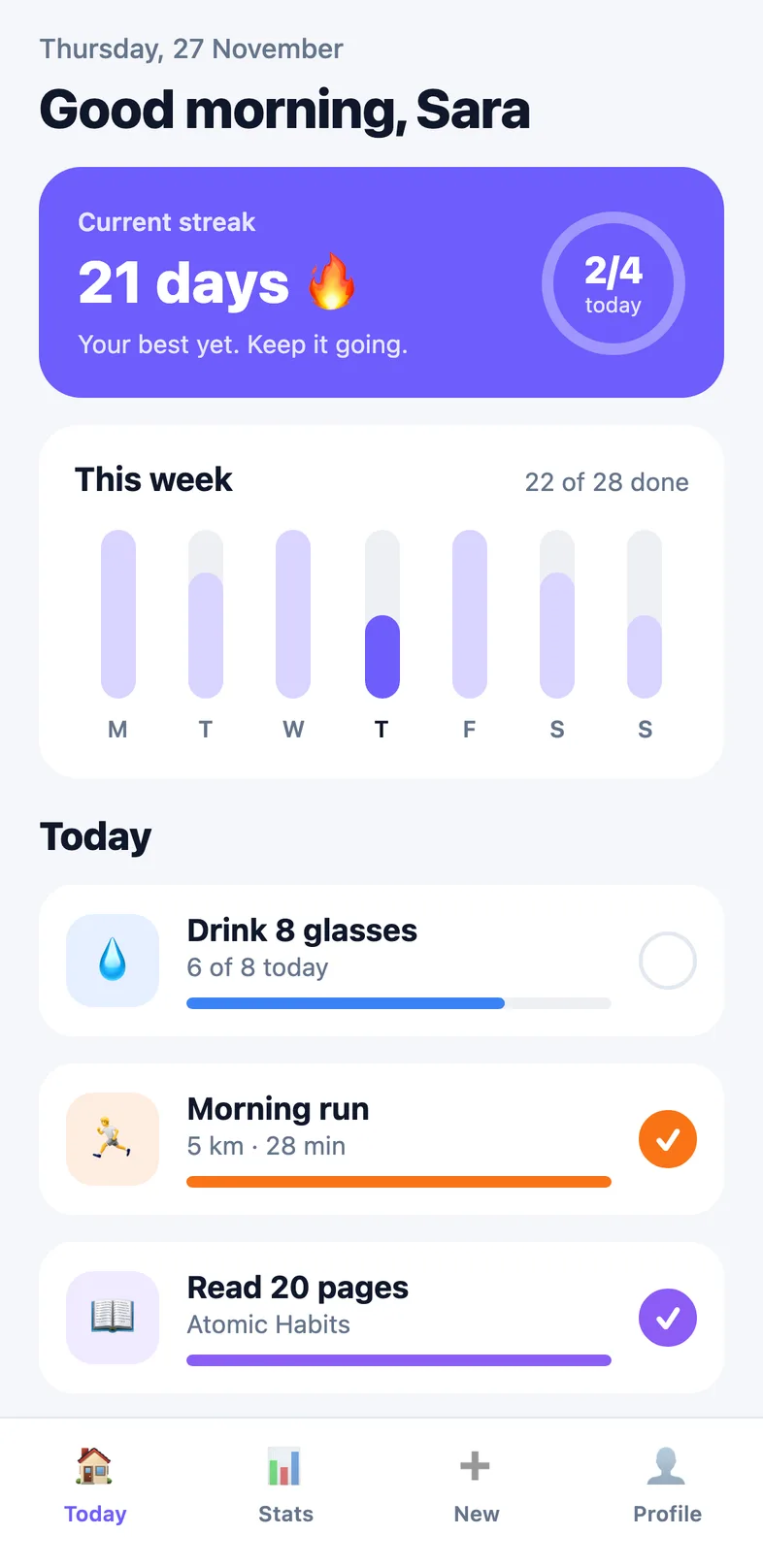
Example: Habit tracker
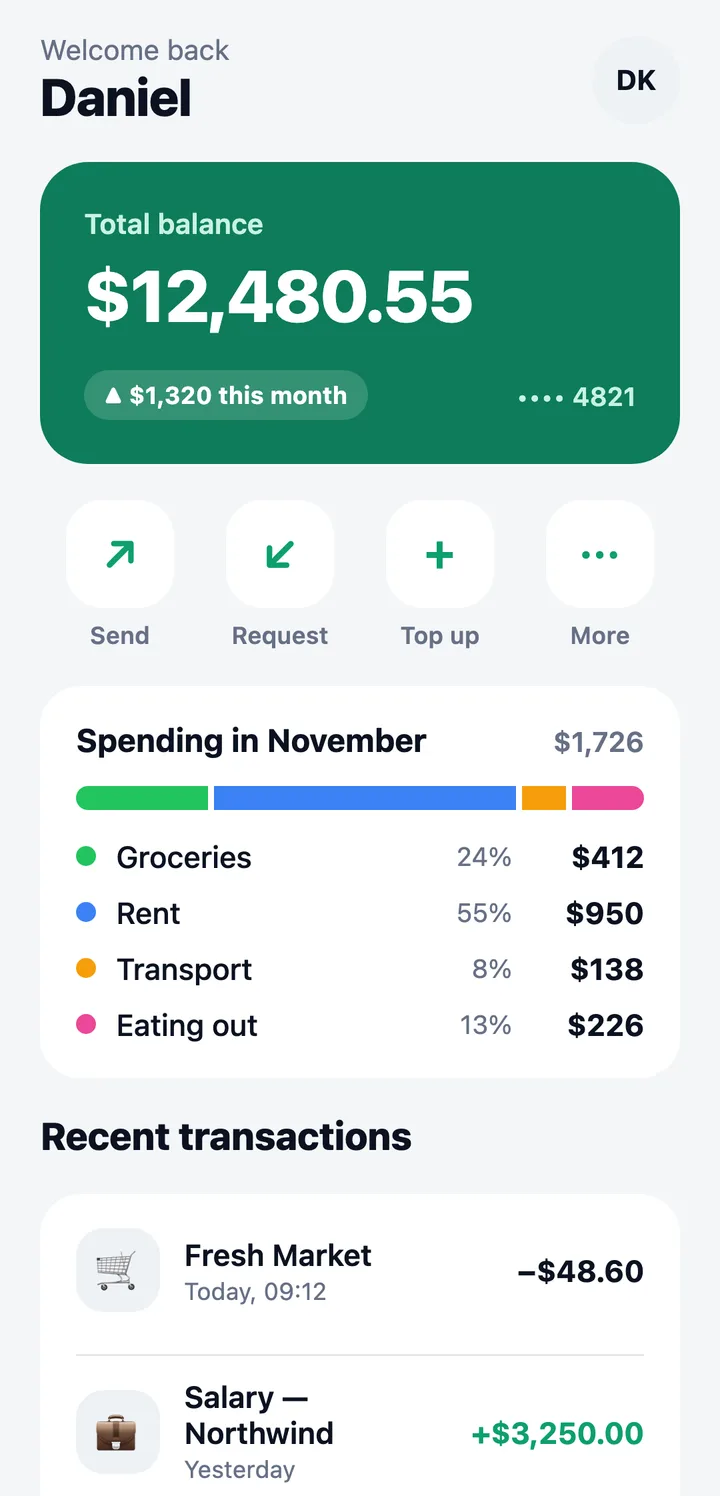
Example: Personal finance
Example apps
The kind of app you can build.
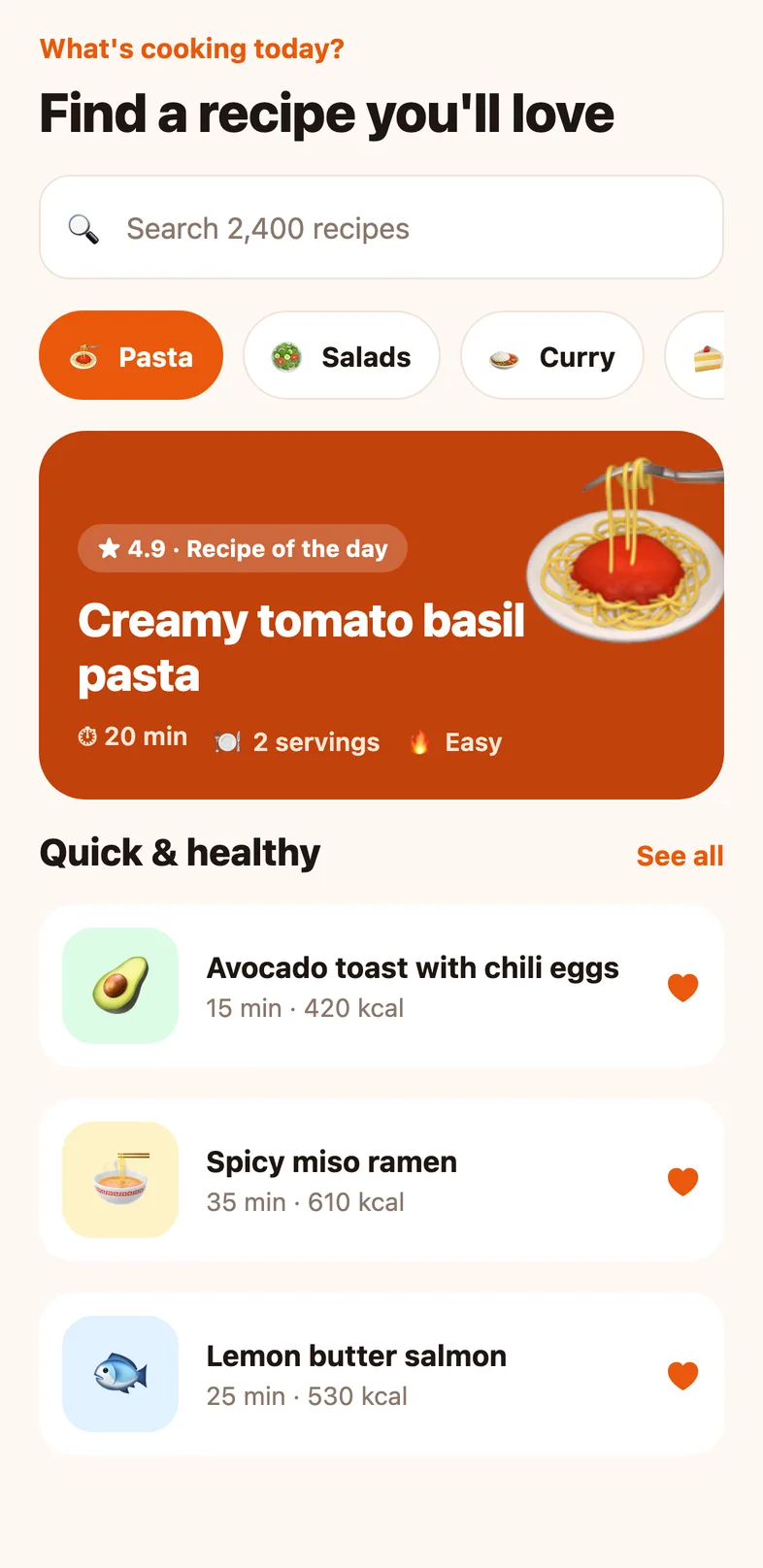
Example screens of small Expo apps: a habit tracker, a finance app and a recipe app. Describe yours and SpinBuild builds it the same way.
How it works
From idea to an app on your phone.
- 1
Describe the app
Pick Mobile app in the prompt box, or just ask for an app. SpinBuild starts an Expo project and builds the screens, navigation and sample data in one go.
- 2
Watch it in a real phone
The preview runs your app inside a phone frame at that phone's real screen size. Switch between iPhone, Samsung, Pixel and other models.
- 3
Open it on your phone
Scan the QR code beside the preview with Expo Go on iOS or Android. Your app opens on your own phone, and updates as you keep chatting.
- 4
Install it and ship it
Build a signed Android APK and install it with a QR code. Push the code to GitHub and submit it to the App Store and Google Play with Expo's EAS.
What you get
A real mobile app, not a mockup.
Native, not a website in a wrapper
Real React Native components: native lists, inputs, switches and gestures on iOS and Android, from one TypeScript codebase.
Expo SDK 58
Camera, location, haptics, files, sharing and other Expo modules that work in Expo Go, set to the versions the SDK expects.
Phone-frame preview
See every screen at the size of the phone you choose, with its status bar and its Dynamic Island or punch-hole camera.
Signed Android APK
Build an APK signed with your app's own key, download it or scan to install, and rebuild later as an update of the same app. On paid plans.
Web version included
The same project runs in the browser too, and can be published to an HTTPS address or your own domain.
Your code, on GitHub
Sync the project to a GitHub repository you own. It is a standard Expo app you can open, edit and build anywhere.
Questions
Can SpinBuild build native mobile apps?
Yes. Besides websites and web apps, SpinBuild builds native iOS and Android apps with Expo and React Native. Choose Mobile app in the prompt box, or just ask for an app, and you get a real React Native project, not a website in a wrapper.
How do I try the app on my own phone?
Install Expo Go from the App Store or Google Play, then scan the QR code beside the preview. The app opens on your phone and updates as the AI makes changes. The link is private to you, and you can reset it at any time.
Can I get an Android app file to install?
Yes, on paid plans. Open Publish on a mobile project and choose Build Android app. SpinBuild builds a signed APK that you can download or install by scanning a QR code. Each later build is a valid update of the same app.
Can I publish to the App Store and Google Play?
The project is a standard Expo app, so you can sync it to your GitHub repository and submit it with Expo's EAS Build and Submit. Uploading to the stores from inside SpinBuild is not available yet.
Which phones does the preview show?
Recent iPhones, Samsung Galaxy, Google Pixel, OnePlus and Xiaomi phones, each at its real screen size. The phone you pick is remembered for next time.
Where does my app keep its data?
On the phone, with AsyncStorage, so the app works offline from the first build. If you need accounts or data shared between devices, ask for a backend and SpinBuild will explain how to add one.
Does it also work as a website?
Yes. An Expo project also runs in the browser through React Native for Web, so you can publish the same app to an HTTPS address on apps.spinbuild.ai or your own domain.
Your app, on your phone, today.
Sign up, pick Mobile app and describe it. Scan the QR code when it is ready.
Build a mobile app