ai app builder · 6 min read
AI App Builder vs No-Code Builder: Which to Use?
AI app builder or no-code builder? An honest comparison of how you build, custom logic, data and code ownership, and when each one is the better choice.
 Team SpinBuildComment
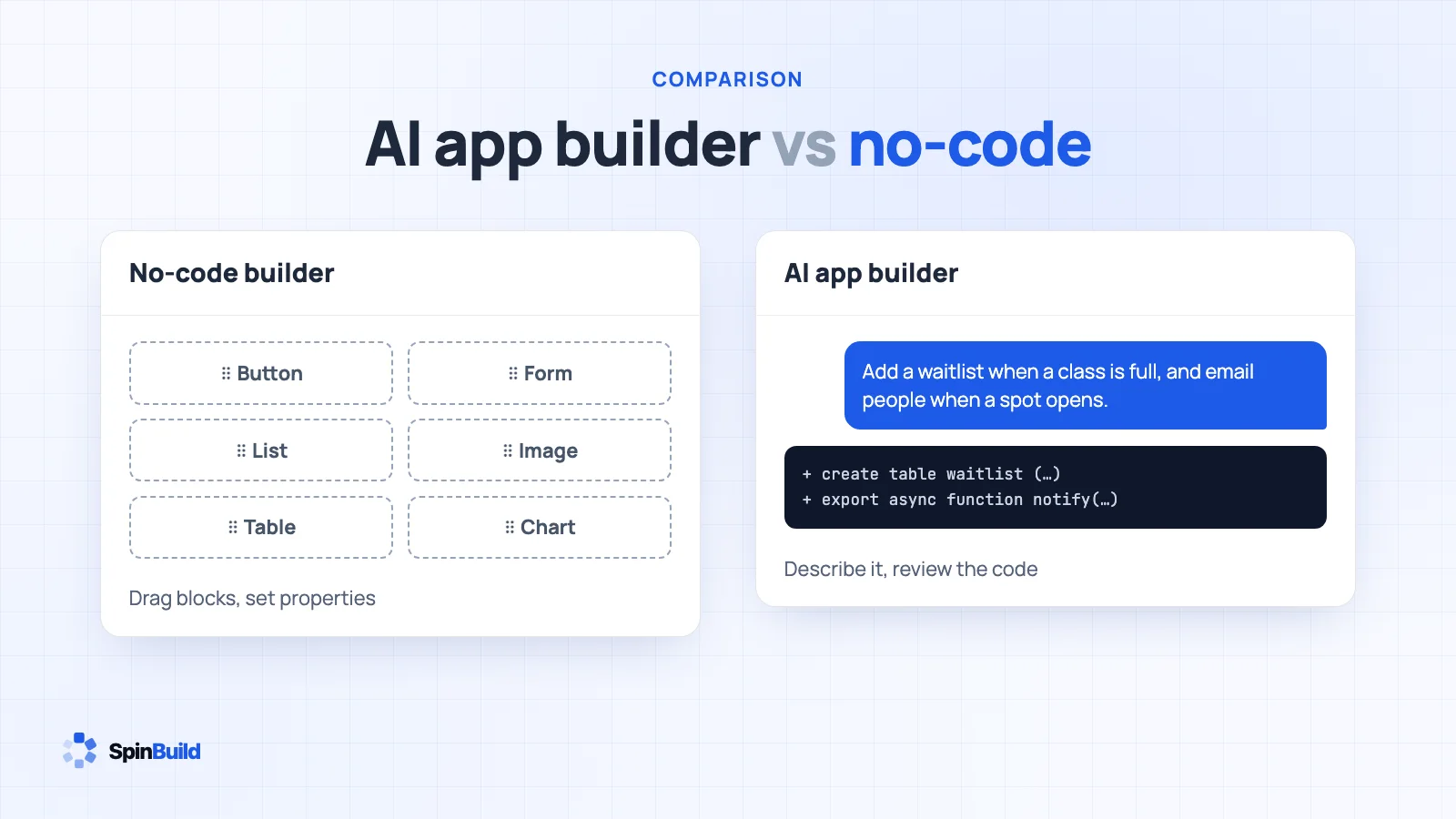
An AI app builder writes real code from a description. A no-code builder has you assemble the app from visual blocks inside its own platform. Use no-code for simple sites, forms and internal tools that fit its blocks. Use an AI app builder when your app has its own data and rules, or when you want code you can own and move.
That's the honest summary. But "it depends" isn't much help when you're about to spend a month building something, so here's what each approach is really like to use, where each one hurts, and how we'd decide.
Full disclosure: we make SpinBuild, which is an AI app builder. We still think no-code is the right call for some projects, and we'll say which ones.
The quick comparison
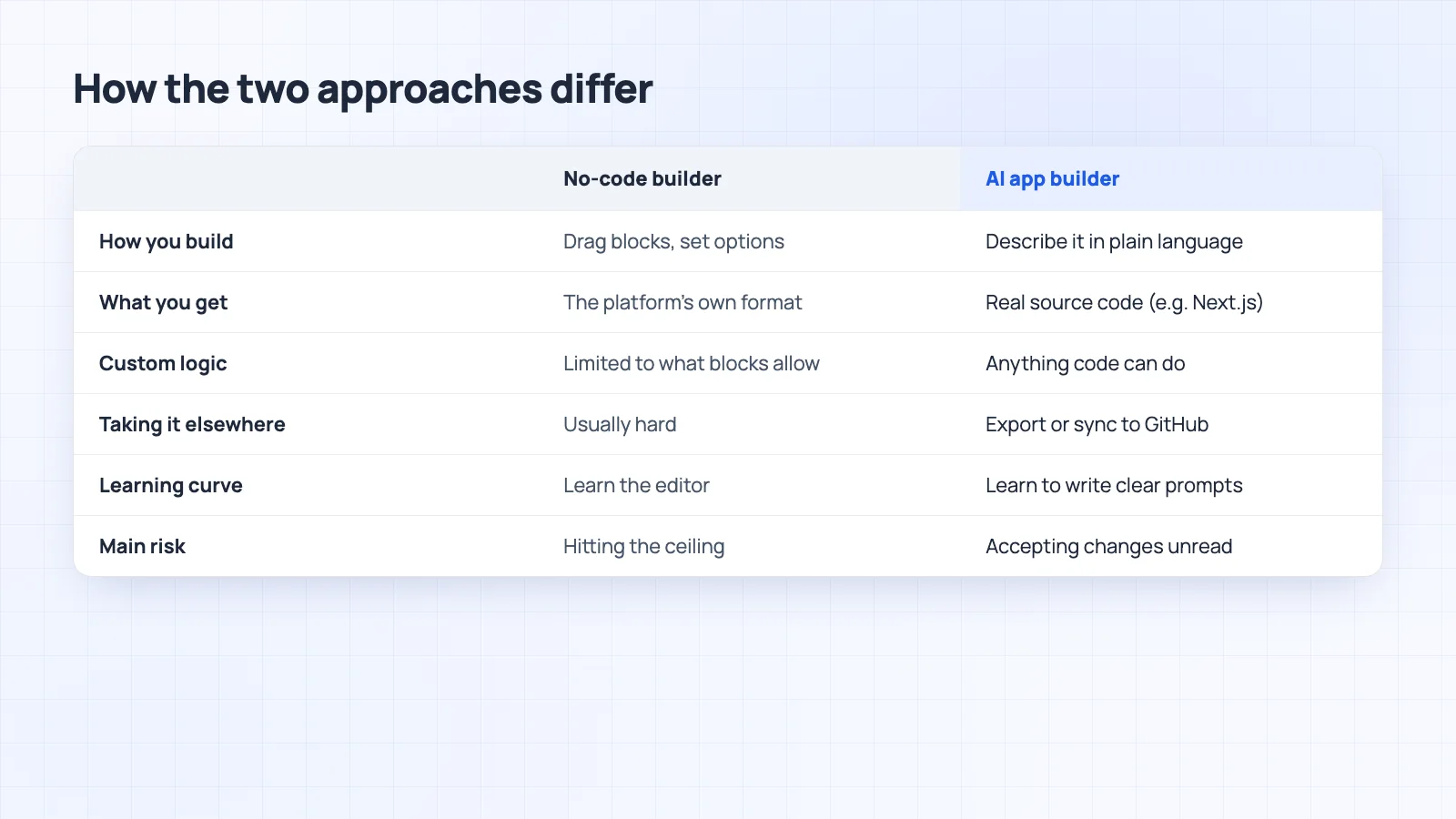
| No-code builder | AI app builder | |
|---|---|---|
| How you build | Drag blocks, set options | Describe it in plain language |
| What you get | An app in the platform's own format | Real source code, often Next.js or React |
| Custom logic | What the blocks allow | Anything code can do |
| Leaving the platform | Usually means rebuilding | Export or sync the code to GitHub |
| What you learn | That platform's editor | Writing clear prompts, reading results |
| Main risk | Hitting the ceiling | Accepting changes you didn't check |
What building with no-code feels like
You open a visual editor. You drag a form onto the page, connect it to a data table, and set "when submitted, send email." You can see everything you're building as you build it, and nothing happens that you didn't place there yourself.
For a lot of jobs, that's great. A waitlist page, a feedback form, an internal list of suppliers: no-code gets you there fast, and mature platforms have huge template libraries and communities behind them.
The trouble starts when the app gets specific. Say your studio wants "the third late cancellation in a month blocks new bookings for a week." In code, that's a few lines. In a no-code editor it's often a chain of workarounds, a plugin, or a "not supported."
Then there's leaving. Most no-code platforms store your app in their own format and run it on their own servers. You can export your data, but not a working app. If prices go up or the platform closes, moving means rebuilding.
What building with an AI app builder feels like
You type: "Add a waitlist when a class is full, and email people when a spot opens." The AI writes the table, the server code and the email, then runs the app so you can try it.
There's no ceiling set by blocks. If code can do it, you can ask for it. And because the output is a normal project, you can push it to GitHub, download it, or hand it to a developer who's never heard of the tool.
It has its own costs, though:
- You have to say what you mean. Vague prompts give vague apps. Writing a good prompt is a skill, just like learning an editor.
- You have to check the work. AI sometimes changes more than you asked. A good builder shows you every change and lets you undo it. A bad one just does it.
- Credits. AI requests cost real money, so most builders charge in credits. Keep an eye on what each change costs.
The differences that matter in practice
Custom rules
This is the big one. The more your app's value lives in its rules, like pricing logic, permissions or workflows, the more an AI app builder pulls ahead. The more it's standard forms and lists, the less it matters.
Data
No-code tools usually include a built-in data store. AI app builders vary a lot: some generate screens with no database at all, while full-stack builders create a real one. In SpinBuild every project gets its own private Postgres database, and new tables are added as migrations you can read.
Ownership
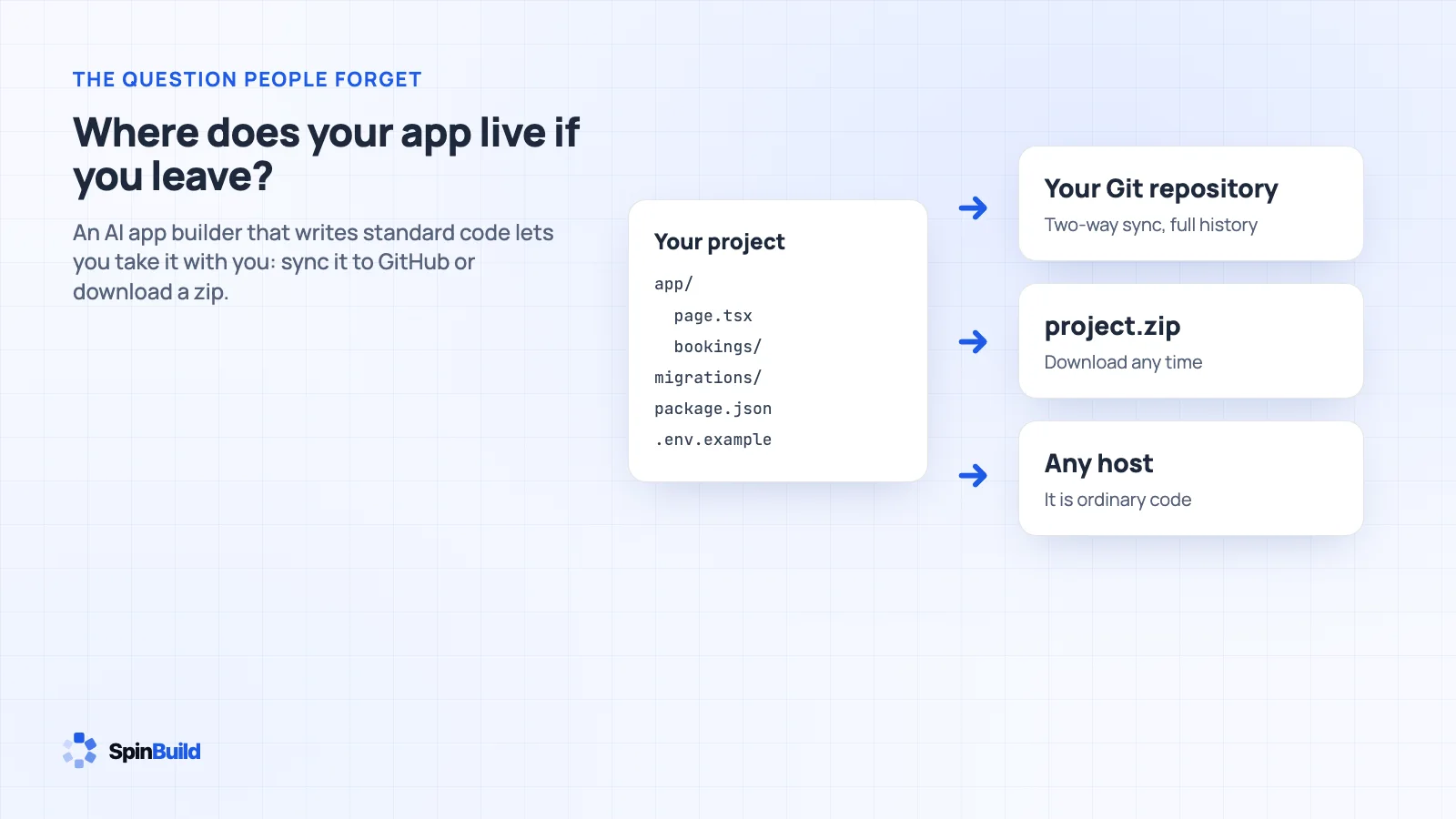
Ask both kinds of tools the same question: if I leave, what do I take with me? With most no-code platforms, the answer is a data export. With an AI app builder that writes standard code, it can be the whole app. SpinBuild includes two-way GitHub sync on every paid plan, and every project downloads as a zip.
Who checks the work
With no-code, you made every change, so you know what changed. With AI, the tool did, so you need a way to check. In SpinBuild, developers can review each change as a diff and accept or reject it, and people who don't code can let changes apply automatically and still roll back to any earlier version. See Reviewing changes.
How we'd decide
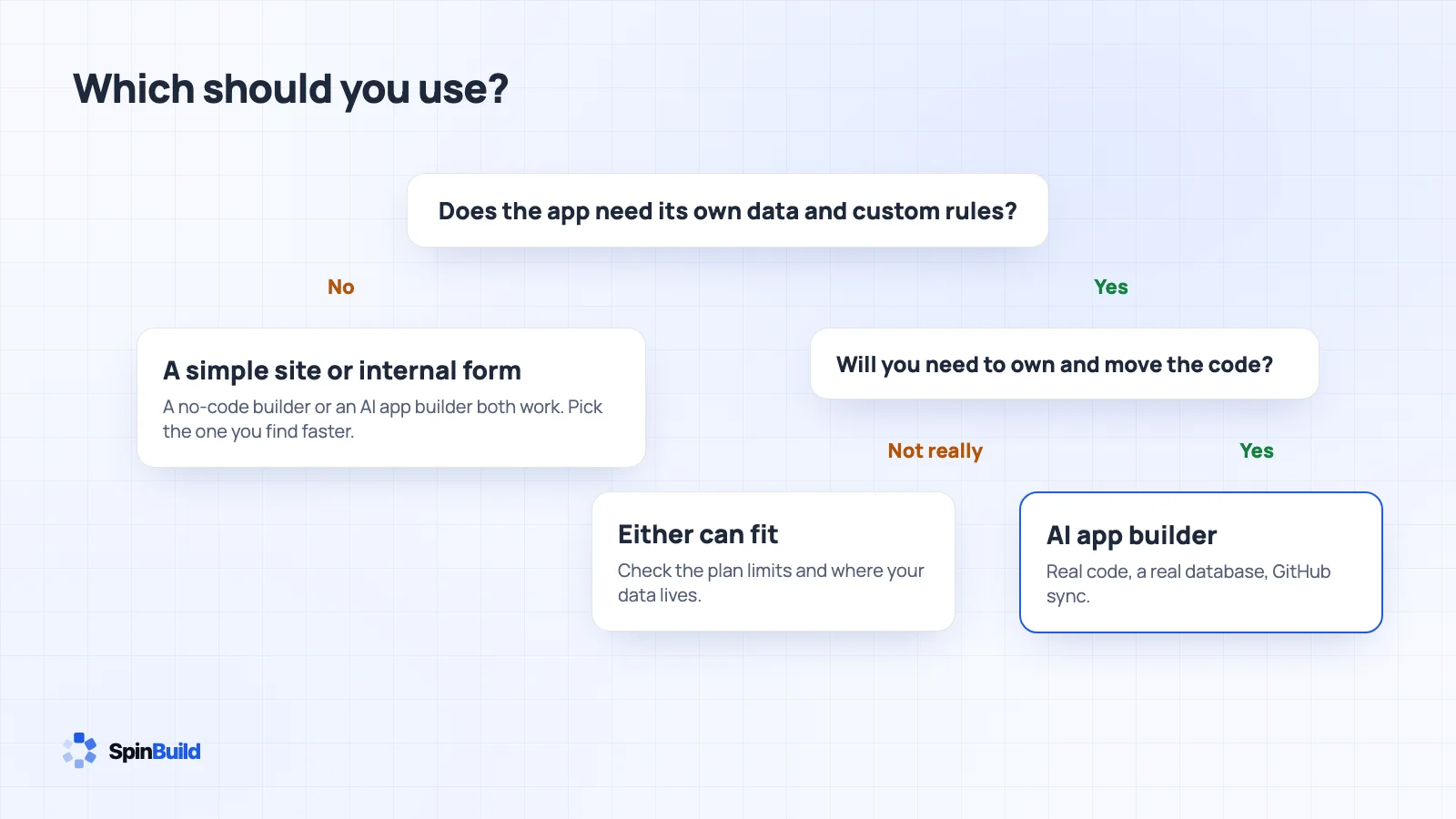
Pick no-code if:
- It's a simple site, form or internal tool built from standard parts.
- You think visually and like placing every element yourself.
- You're comfortable with the app living on that platform for good.
Pick an AI app builder if:
- The app has its own rules: bookings, permissions, pricing, approvals.
- It needs a real database and real user accounts.
- You want to own the code, or a developer may work on it later.
- You'd rather describe a feature than build it from parts.
Or use both. Plenty of teams build the marketing site in a no-code tool and the product itself in code. Nothing wrong with that.
Or get the visual part inside the AI builder. If what you like about no-code is laying things out by hand, SpinBuild has a built-in design mode, SpinBuild Design, on every plan. You arrange the screens visually, with frames and Figma-style shortcuts, and the AI turns them into real code in any of its stack options, from Next.js and TanStack Start to an Express backend or an Expo mobile app.
If you're coming from no-code
The first hour with an AI app builder feels odd, because you're not placing things anymore. Start small: one page, one table. Check it, then add one feature at a time. Our guide to building an app with AI walks through it step by step.
SpinBuild plans start at $5 a month, with 80% off your first month, and the templates give you a working app to start from instead of a blank page. See pricing.
Frequently asked questions
Is an AI app builder the same as no-code?
No. Both let you build without programming, but a no-code builder uses visual blocks inside its own platform, while an AI app builder writes real code from your description. Many no-code tools now add AI features too, so check what a tool actually produces.
Is an AI app builder better than no-code?
Not always. No-code can be faster for simple, standard apps. AI app builders are better for custom logic, real databases, and code you can own and move.
Do AI app builders produce real code?
Many do, but not all. Check whether you can see the files, push them to GitHub and run them outside the tool. SpinBuild writes standard projects, such as Next.js apps, that sync to your own repository.
Can I move my app from a no-code builder to an AI app builder?
Usually not directly, because no-code apps are stored in the platform's own format. You can export your data and describe the app to an AI app builder, which is often quicker than it sounds for small apps.
Which is cheaper?
It depends on usage. No-code tools often charge per user or per app. AI app builders usually charge for AI credits, so the cost depends on how much you build and which AI model you use.
Related reading
Related topics
ai app builder
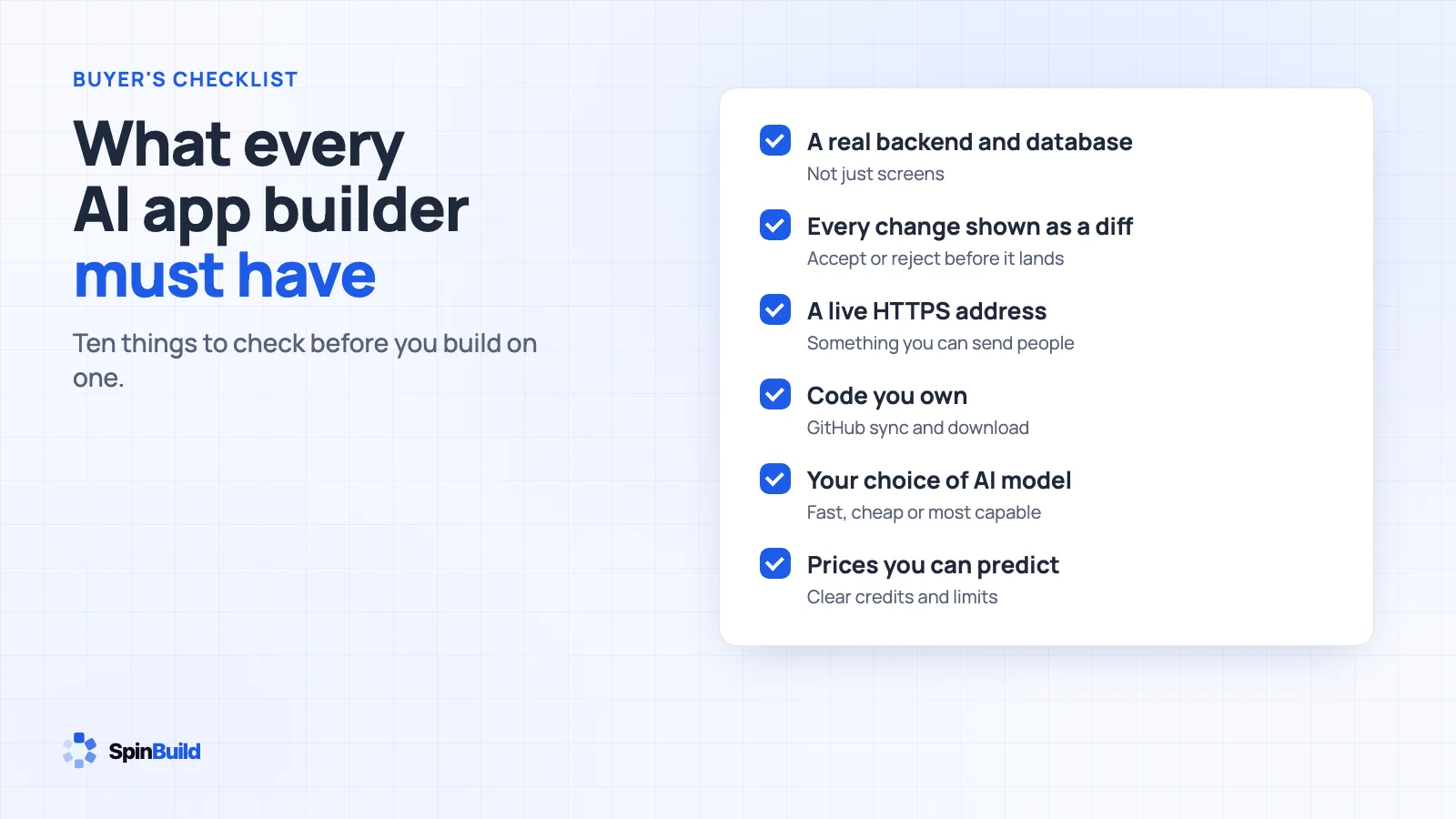
10 Essential Things an AI App Builder Must Have
The 10 things an AI app builder must have before you trust it with real users: a real database, reviewable changes, one-click publishing and code you own.
8 min · Nov 28, 2026
ai app builder
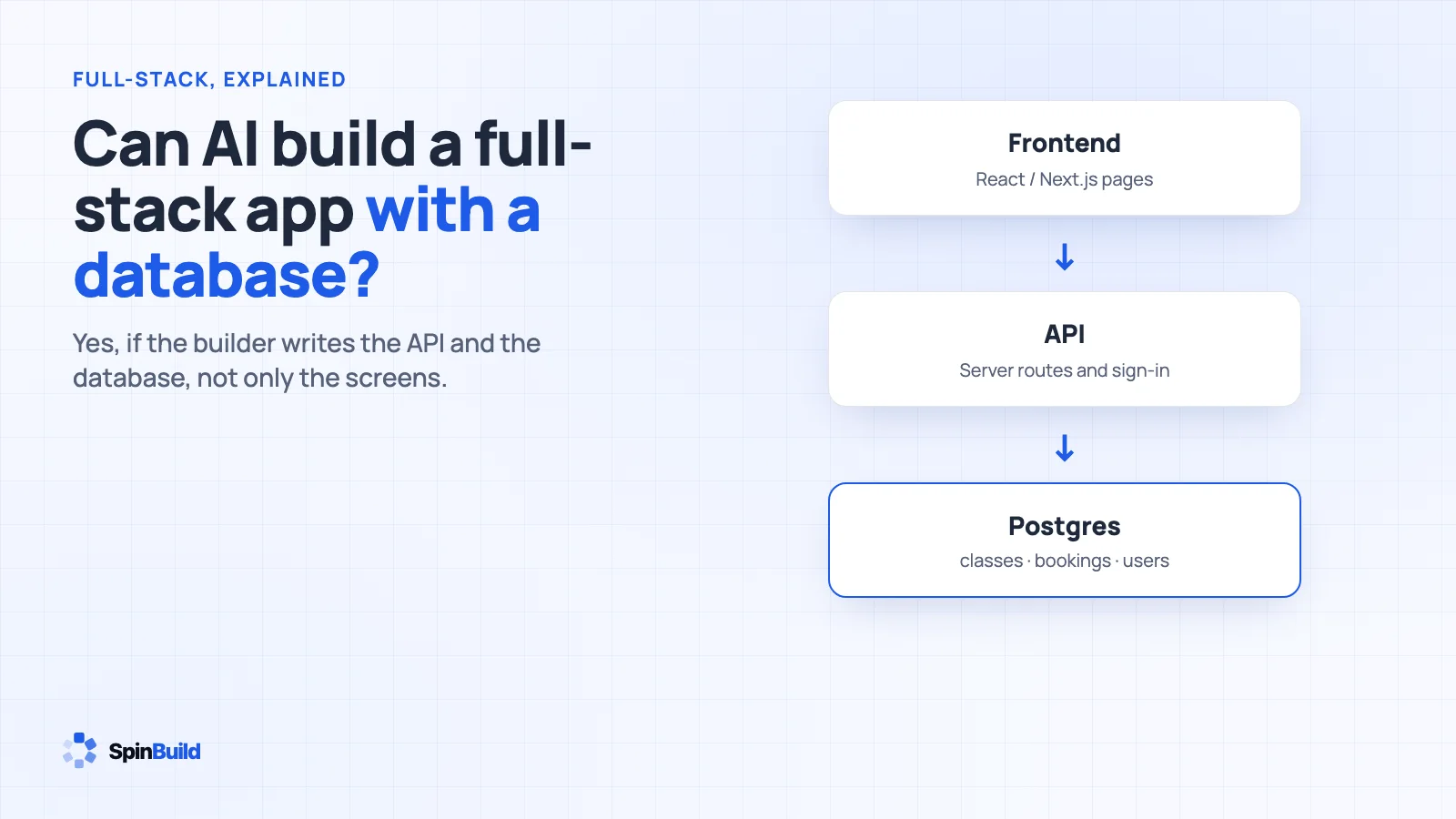
Can an AI App Builder Make a Full-Stack App with a Database?
Yes, if it writes the backend and database too. What full-stack means, how to test for a real database, and how SpinBuild gives every app private Postgres.
6 min · Nov 28, 2026
ai app builder
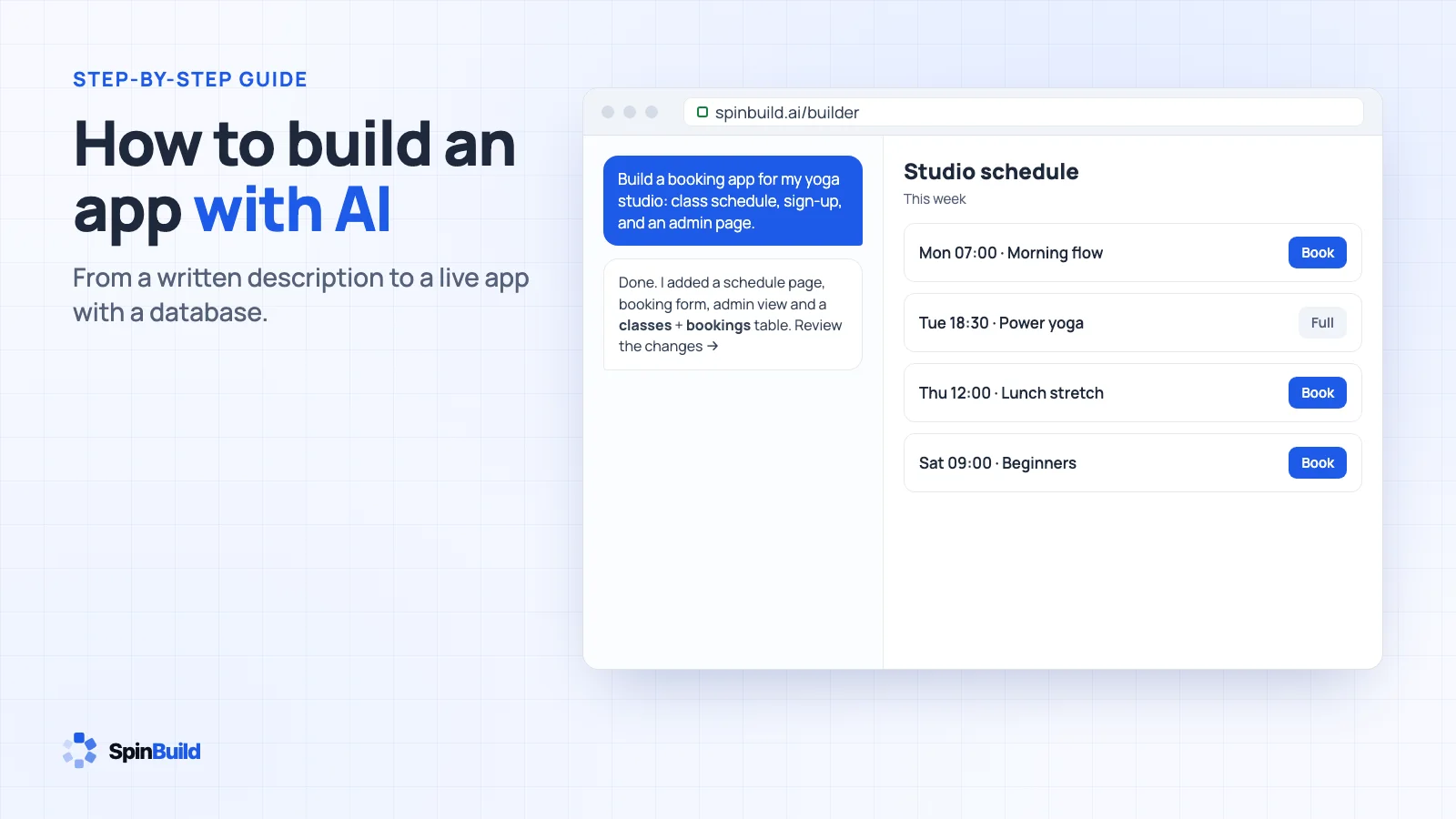
How to Build an App with AI: A Step-by-Step Guide
How to build an app with AI in six steps, from your first prompt to a live app with a database and sign-in. With a real example and the mistakes to avoid.
7 min · Nov 28, 2026
Comments
Join in. You don’t need an account.