ai app builder · 8 min read
10 Essential Things an AI App Builder Must Have
The 10 things an AI app builder must have before you trust it with real users: a real database, reviewable changes, one-click publishing and code you own.
 Team SpinBuildComment
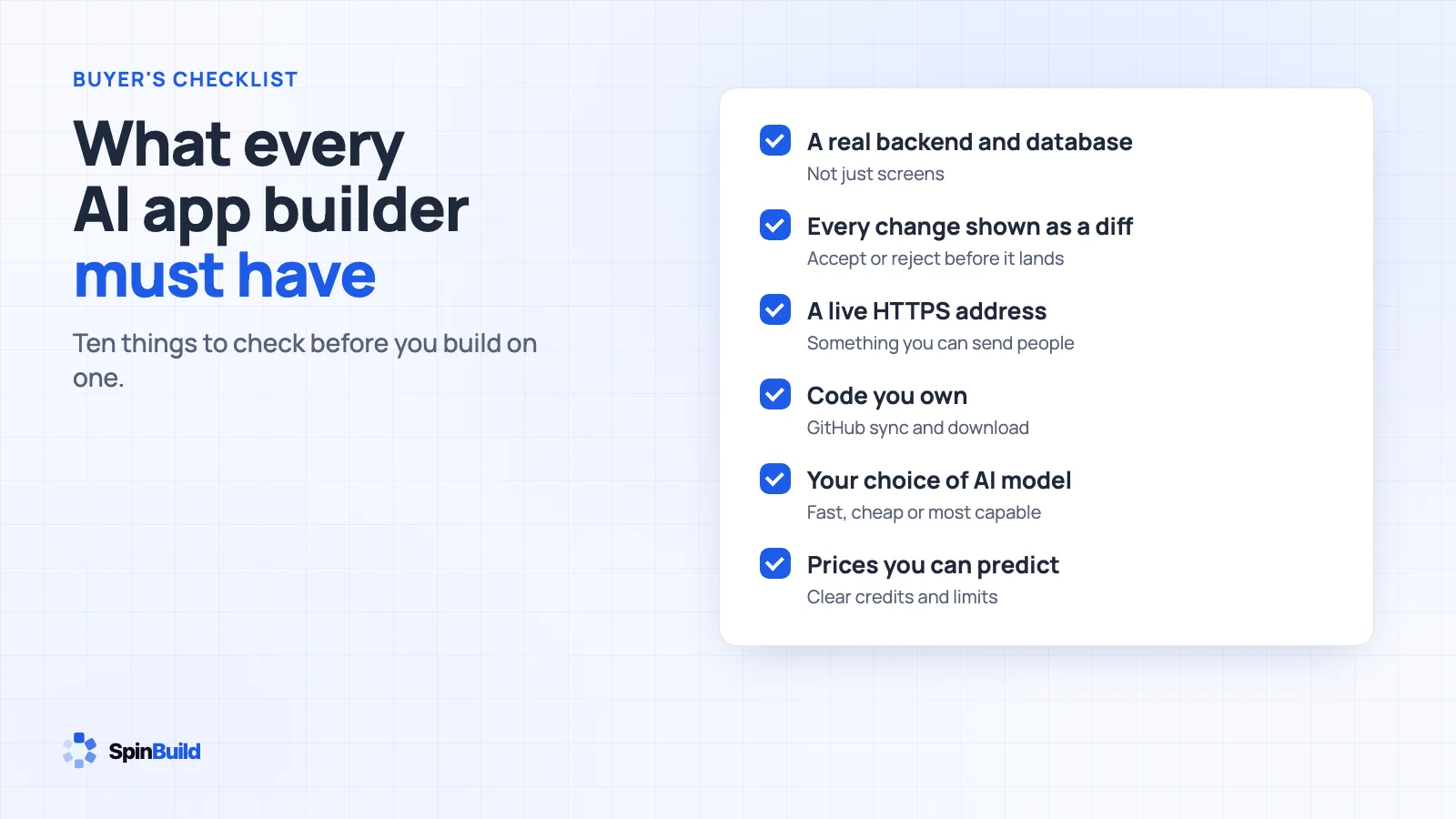
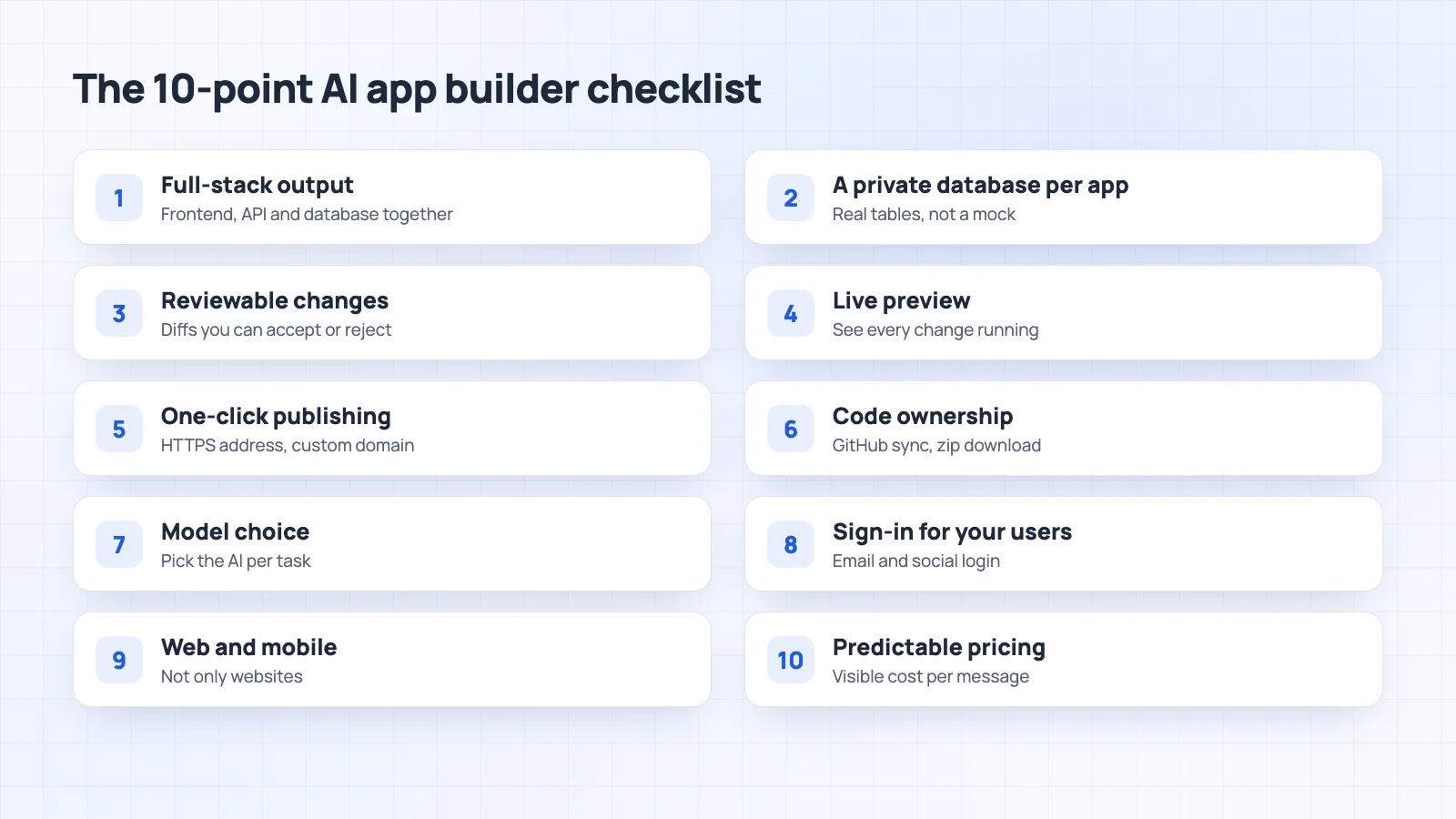
An AI app builder must do ten things to be worth building on. It has to write the whole app, backend included, and give every app its own real database. You need to see and undo every change, test in a live preview and publish to HTTPS in one click. The code has to be yours, you should be able to pick your AI model, and sign-in, mobile and pricing all need to hold up. Miss one, and you'll feel it the week your app gets its first real users.
Every AI app builder demo looks the same. Someone types "build me a CRM", and forty seconds later there's a tidy dashboard with charts. It's impressive. It also tells you almost nothing.
We've watched a lot of people build with these tools, including on our own product, SpinBuild. The problems never show up in minute one. They show up on day three. A customer signs up and their data vanishes on reload. A "small" change quietly rewrites six files. Or you try to move the app somewhere else and find out there's nothing to move.
So here's the checklist we'd use if we were picking an AI app builder today. For each point we say why it matters, how to test it in a few minutes, and what SpinBuild does. We're obviously biased about that last part, so hold us to the same tests.
1. It builds the whole app, not just the screens
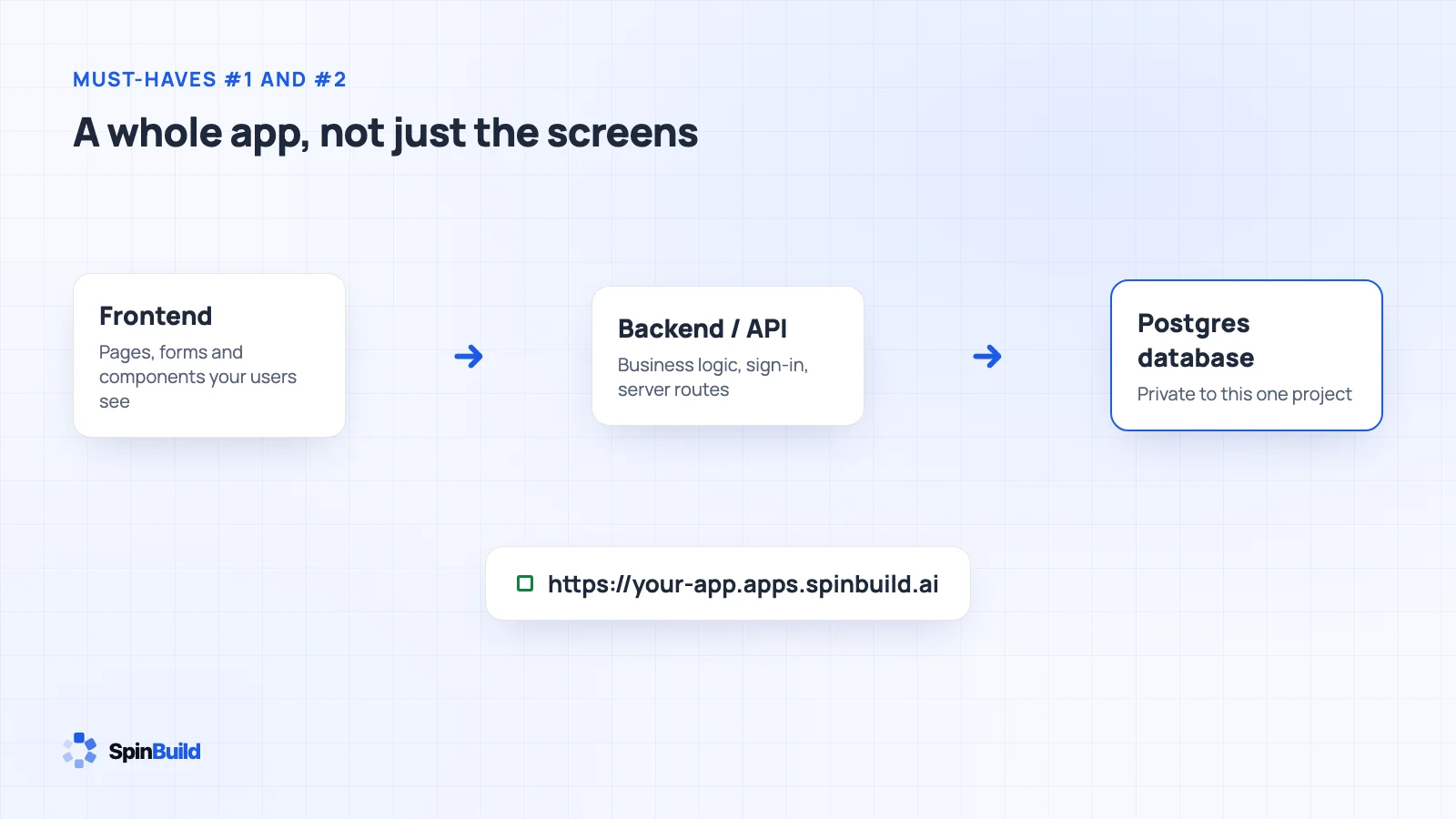
A screen with a Book button isn't a booking app. The real app is behind the button: the code that checks the class isn't full, saves the booking and emails the studio. That's the backend, and plenty of AI tools stop before it.
That's fine if all you need is a mockup. It's a problem if you thought you were getting an app.
The 2-minute test: ask for a rule that has to run on a server, like "users can only see their own orders." Then look at what it wrote. Is there an API route with a permission check, or just a page that hides some rows?
In SpinBuild: projects are full-stack by default: frontend, backend and database. And you pick the stack. There are more than a dozen stack options across frontend, backend and mobile: Next.js, TanStack Start, React, Vue, Svelte, Preact, Astro, Vite and plain HTML/CSS/JS for web apps and sites, Express, Fastify and Koa for the backend, and Expo for iOS and Android. Next.js is the default. See the stack reference.
2. A real database that belongs to your app
Here's the quickest way to spot a toy. Add a record, reload the page, and open the app in a private window. If the record's gone, there's no database. There's a demo.
Look at where the data lives too. If you're building something for customers, you want the database to be private to your app, not a shared bucket with a filter on it.
In SpinBuild: every project gets its own Postgres database, with its own role and password. That role can't reach any other database. Your preview and your published app use the same one, so the data you enter while building is still there when you go live. Prefer Supabase? You can copy your tables across and switch. The database docs have the details.
3. You can see, and undo, every change
AI writes code fast, and it gets things wrong fast too. The worst kind of AI change is the one you didn't notice. You asked it to fix a button color, and it also "tidied up" your checkout logic.
You don't need to read every line. But the tool should never leave you guessing about what changed, and going back should take one click.
The 2-minute test: ask for a small change, then try to find exactly which files changed. Then try to undo it.
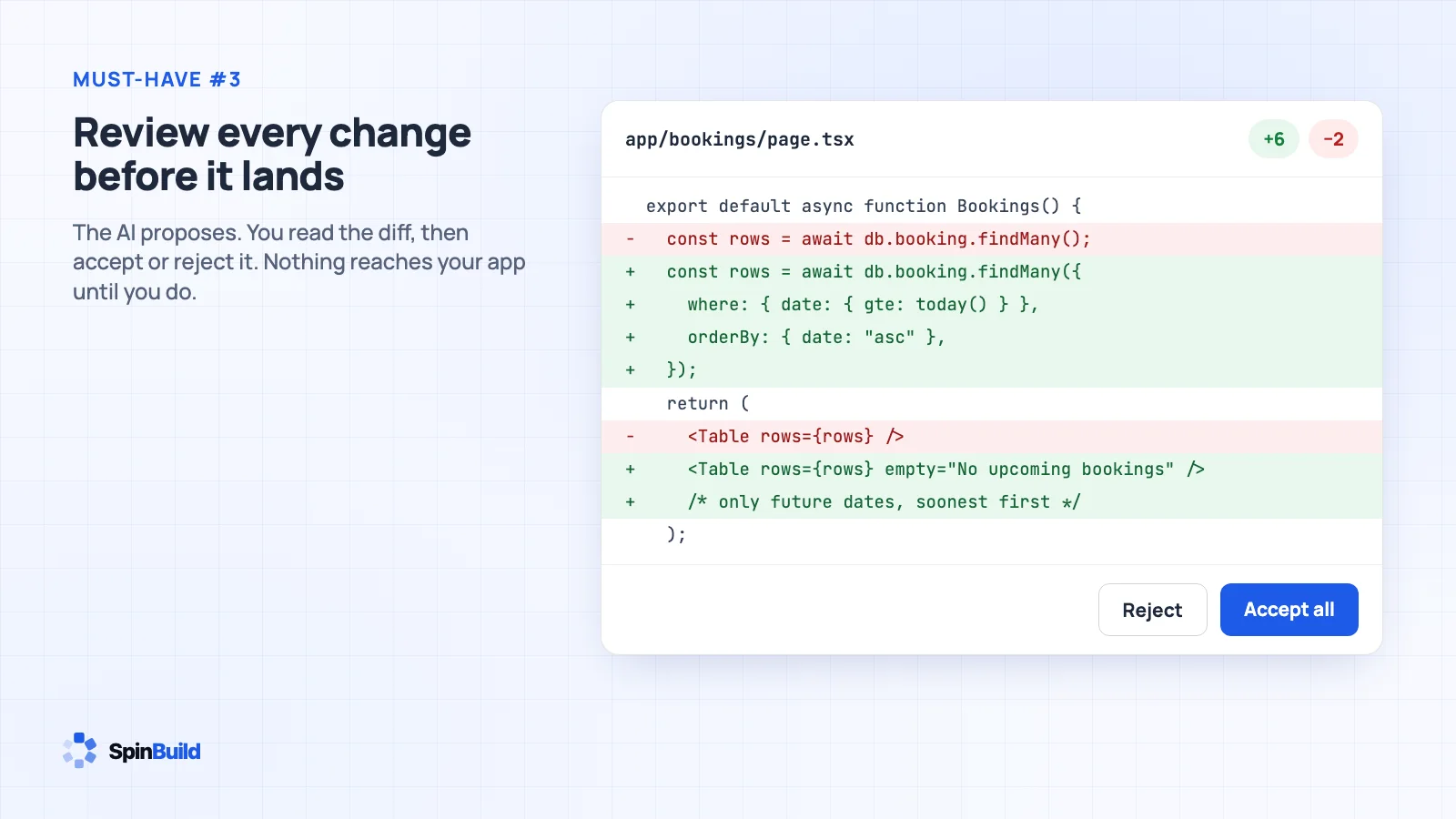
In SpinBuild: you choose how hands-on to be. If you write code, you can review each change as a diff and accept or reject it, file by file. Nothing is written until you say so. If you don't write code, changes apply automatically, and every one becomes a permanent version you can return to. See Reviewing changes.
4. A live preview while you build
If you have to deploy to see whether something works, you'll check less often, and bugs pile up. The app should run next to the chat, with its real database attached, so you can click around after every change.
In SpinBuild: the preview runs your actual app in a private sandbox and reloads as changes land.
5. Publishing to a real address in one click
At some point, a real person has to use the thing. That means HTTPS, an address you can paste into a message, and eventually your own domain.
In SpinBuild: one click puts your app at https://your-app.apps.spinbuild.ai. On paid plans you can connect a domain you own with free HTTPS, or buy one without leaving SpinBuild.
6. You own the code
Nobody asks this question until it's too late. What happens if the tool raises its prices, shuts down, or you just outgrow it? Can you take your app with you, or only a CSV of your data?
The 2-minute test: export the project. Is it a normal project in a framework you recognize, one a developer could open and run?
In SpinBuild: projects are ordinary code, like a standard Next.js app. Every paid plan includes two-way GitHub sync with a repository you own, and any project downloads as a zip. See GitHub sync.
7. A choice of AI models
No model is best at everything. Some are great at big refactors. Some are fast. Some cost a tenth as much and are perfectly fine for changing button text. Getting stuck with one model means paying frontier prices for typo fixes, or getting budget results on your hardest feature.
In SpinBuild: the picker lists 440+ models from Anthropic, OpenAI, Google, xAI, DeepSeek, Meta, Mistral, Qwen, Moonshot and others. There's a short recommended list at the top, and an Auto option that picks a model for each request. You can also bring your own AI provider key. See Models & thinking.
8. Sign-in for your app's users
Nearly every app with data needs accounts sooner or later. Writing sign-in from scratch is boring, and it's easy to get wrong in ways that matter.
In SpinBuild: apps can use email and password sign-in, plus Google, GitHub and LinkedIn, with no keys to set up.
9. Web and mobile from the same tool
Lots of apps start on the web and get asked for "an app version" six months later. It helps if the tool you already know can build one.
In SpinBuild: pick Mobile app and you get an Expo (React Native) project for iOS and Android. Scan a QR code to try it on your own phone in Expo Go, and on paid plans build a signed Android APK. See the mobile apps page.
10. Pricing you can predict
Almost every AI app builder charges in credits, because every AI request costs real money. That's fair. What isn't fair is finding out what an evening of building cost when the month's credits are already gone.
The 2-minute test: after a few prompts, can you see what each one cost? What happens when you run out: does your published app keep working?
In SpinBuild: plans start at $5 a month, and your first monthly payment is 80% off. Each message shows what it cost, right in the chat. You can set a daily, weekly or monthly limit, so one marathon session doesn't burn the whole month. If you do run out, your previews and published apps keep running. Only new AI requests pause. See pricing and Plans & credits.
Three extras worth having
Not essential, but they save hours:
- A design mode. Some things are faster to draw than to describe. SpinBuild Design is a browser design tool on every plan, with frames, Figma-style shortcuts and live collaboration. When the screens look right, the AI builds the app from your frames.
- Templates. Changing a working app is easier than starting from nothing. SpinBuild's templates are full apps you can copy and change.
- Design import. If a designer already made the screens, describing them in words is a waste of everyone's time. SpinBuild can read a Figma link and rebuild the real frames, colors, fonts and text.
- Your own editor. Developers can connect Cursor, VS Code or Claude Code to their SpinBuild projects over MCP.
How we'd actually use this list
Don't compare homepages. They all say "build apps in minutes," and they're all sort of right.
Pick two or three tools instead. Give each one the same small, real app, something like a booking app with two tables and one rule, and run it down this list. It takes about an hour. Our guide to the best AI app builders and how to choose has the exact test.
We'd like SpinBuild to be on your shortlist. Start a project and see how it does.
Frequently asked questions
What is an AI app builder?
An AI app builder is a tool that writes an app from a plain-language description. You say what the app should do, and it writes the code, sets up the database and runs the app so you can try it. Then you keep improving it by chatting.
What is the most important feature of an AI app builder?
A real backend and database. Without them you have a prototype, not an app. A close second is control: being able to see and undo every change the AI makes.
Do I need to know how to code to use an AI app builder?
No. You can build a working app by describing it. Some coding knowledge helps you check changes and fix edge cases faster, and a good builder lets developers review every diff.
Can I take my app out of an AI app builder?
Only if the tool writes standard code you can export. Look for GitHub sync or a code download. SpinBuild has both.
How much does an AI app builder cost?
Most charge a monthly plan with credits for AI requests. SpinBuild starts at $5 a month, with 80% off the first month. What you really spend depends on the AI model you pick and how much you build.
Related reading
Related topics
ai app builder
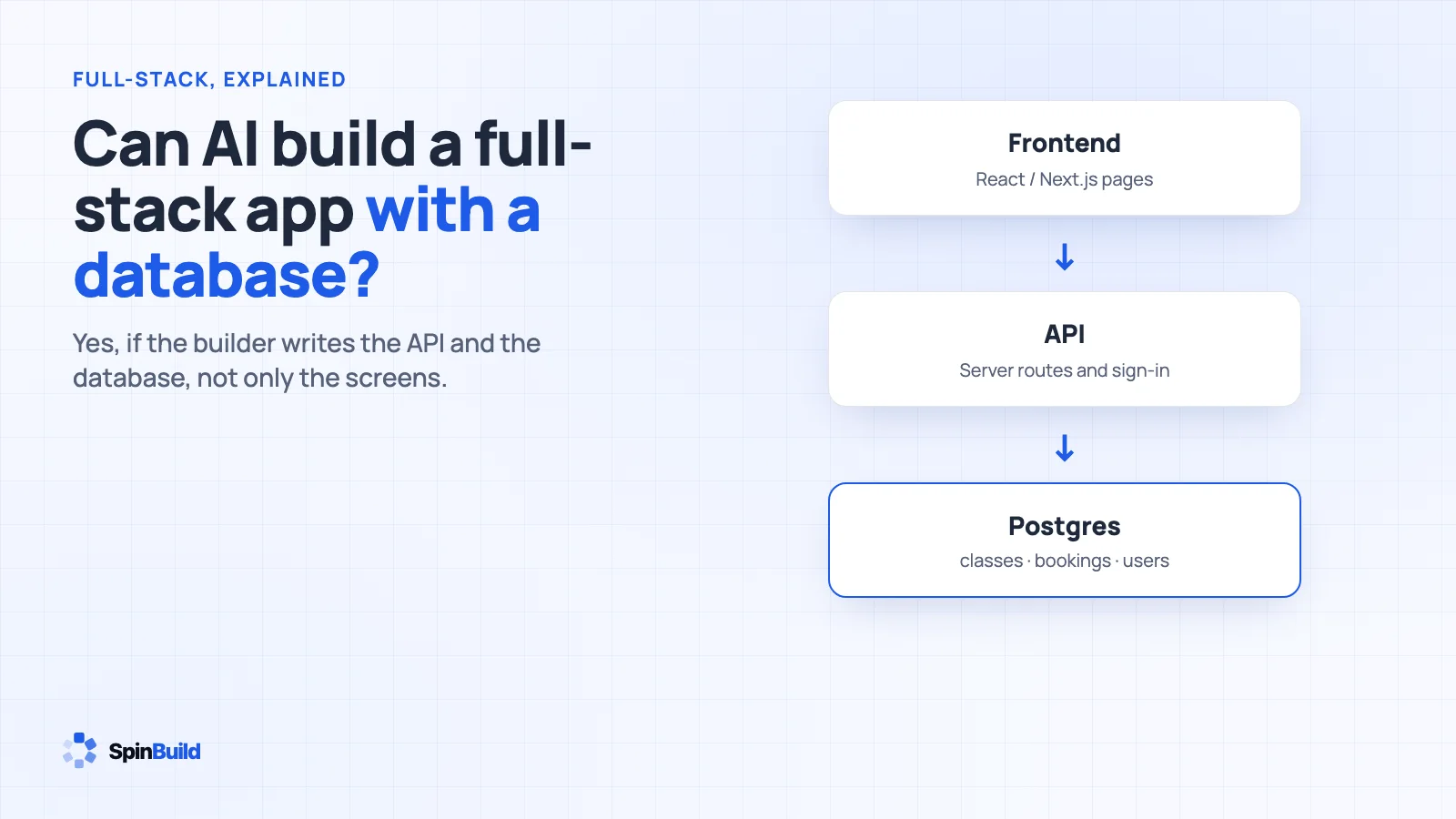
Can an AI App Builder Make a Full-Stack App with a Database?
Yes, if it writes the backend and database too. What full-stack means, how to test for a real database, and how SpinBuild gives every app private Postgres.
6 min · Nov 28, 2026
ai app builder
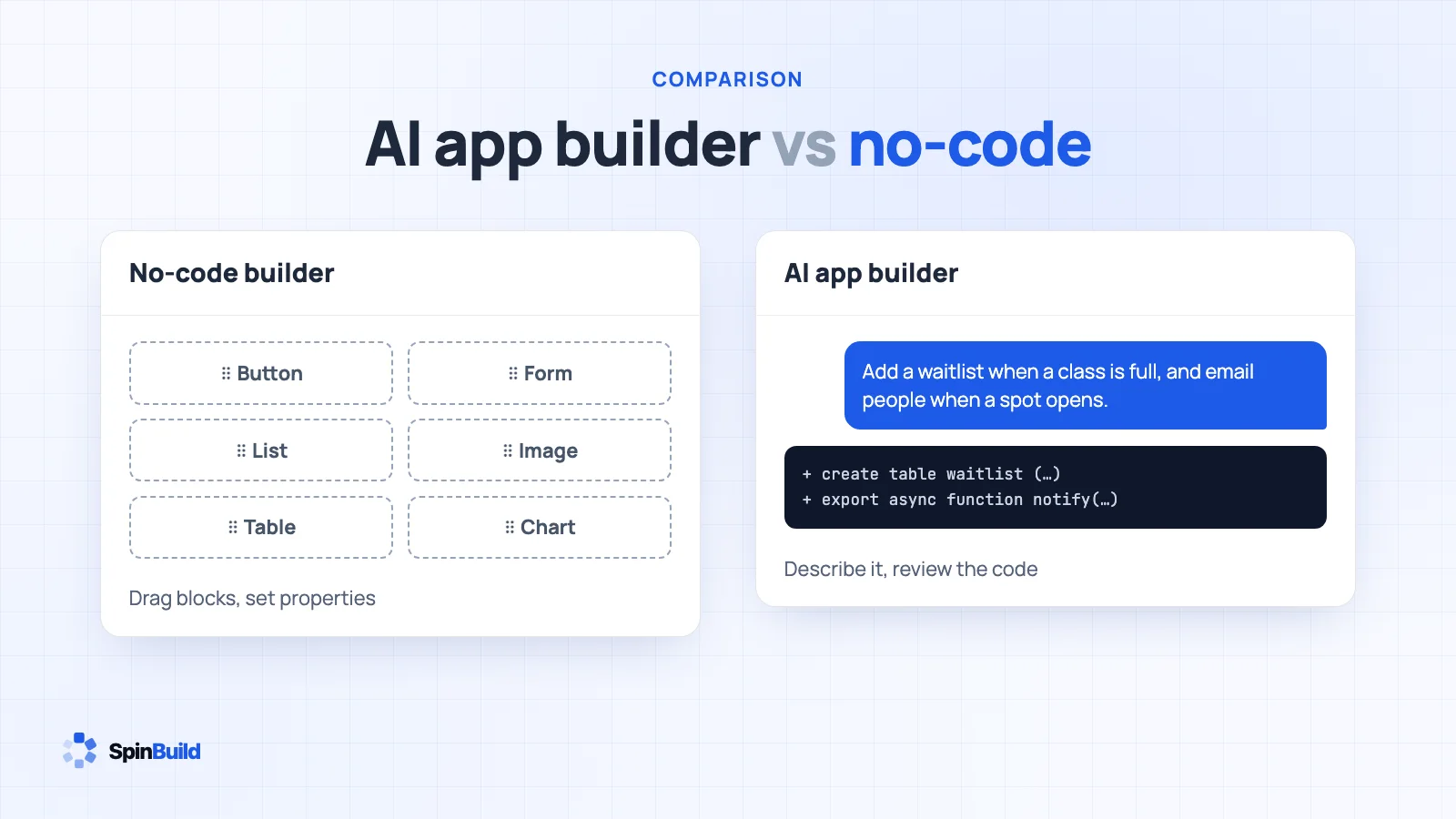
AI App Builder vs No-Code Builder: Which to Use?
AI app builder or no-code builder? An honest comparison of how you build, custom logic, data and code ownership, and when each one is the better choice.
6 min · Nov 28, 2026
ai app builder
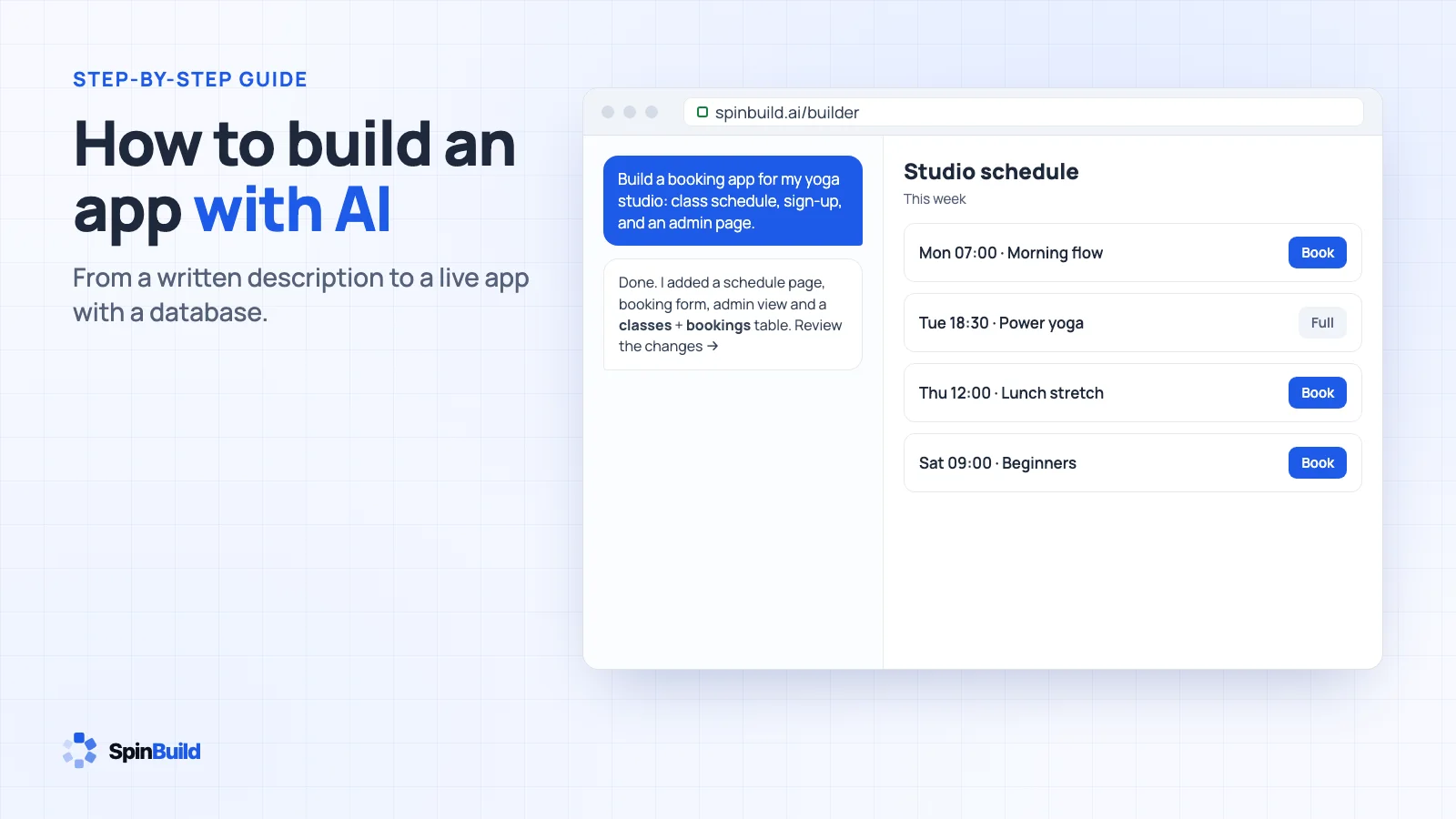
How to Build an App with AI: A Step-by-Step Guide
How to build an app with AI in six steps, from your first prompt to a live app with a database and sign-in. With a real example and the mistakes to avoid.
7 min · Nov 28, 2026
Comments
Join in. You don’t need an account.