ai app builder · 7 min read
How to Build an App with AI: A Step-by-Step Guide
How to build an app with AI in six steps, from your first prompt to a live app with a database and sign-in. With a real example and the mistakes to avoid.
 Team SpinBuildComment
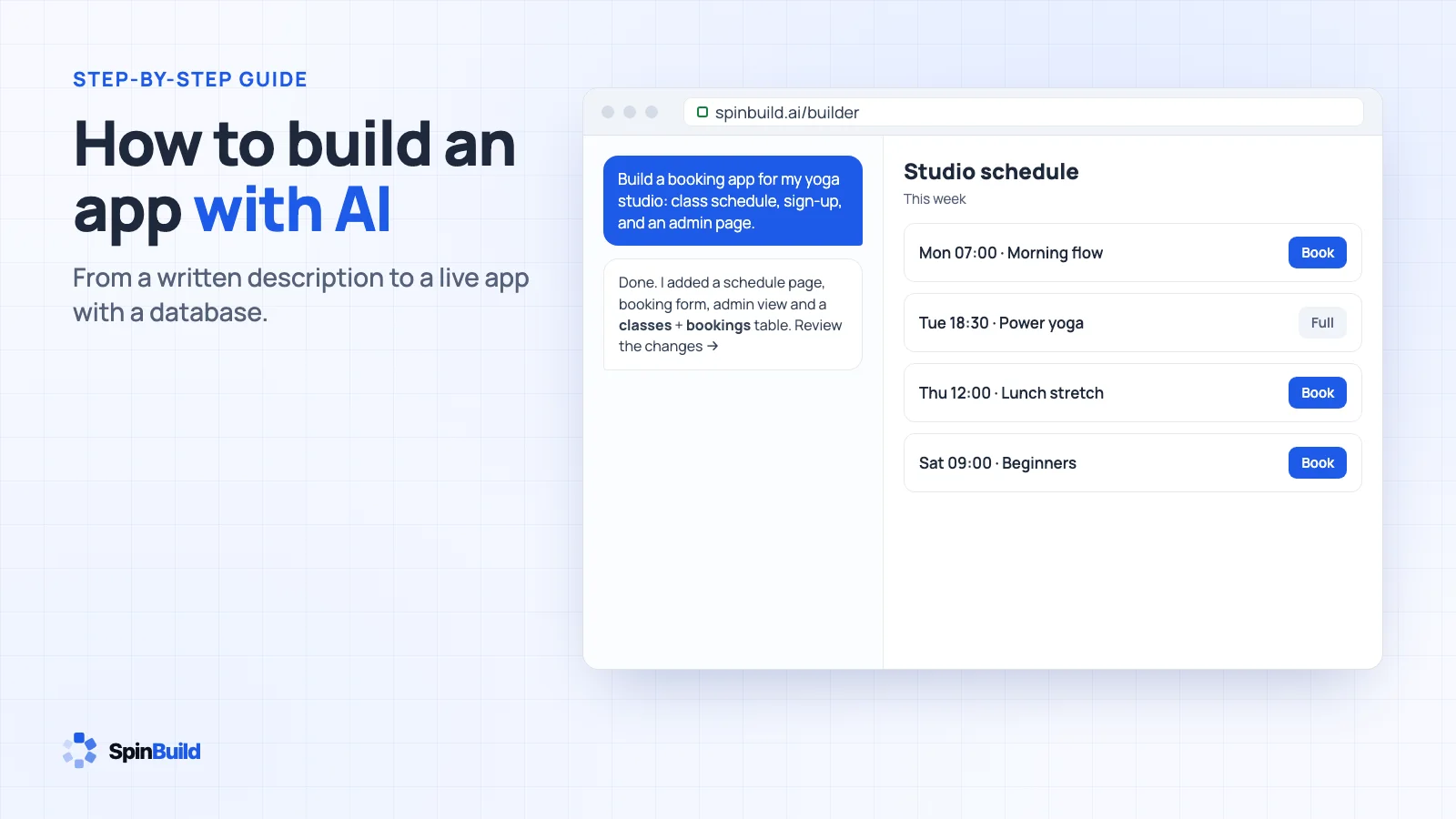
To build an app with AI, work in six steps. Decide what the app must remember. Write one prompt that names its data, pages and rules. Test the first version in the live preview. Then improve it one small change at a time, add sign-in and permissions, and publish it to an HTTPS address. A simple app can be working in an afternoon.
That's the short version. The longer version is mostly about the mistakes, because the AI part is honestly the easy bit now. You type a description into an AI app builder and get something back in a couple of minutes. What decides whether that something becomes a real app is what you do before and after.
So let's build one. Our example is a booking app for a small yoga studio: a schedule people can book from, and an admin page for the owner. We'll use SpinBuild for the specifics, but the steps work in any AI app builder that writes a real backend and database.
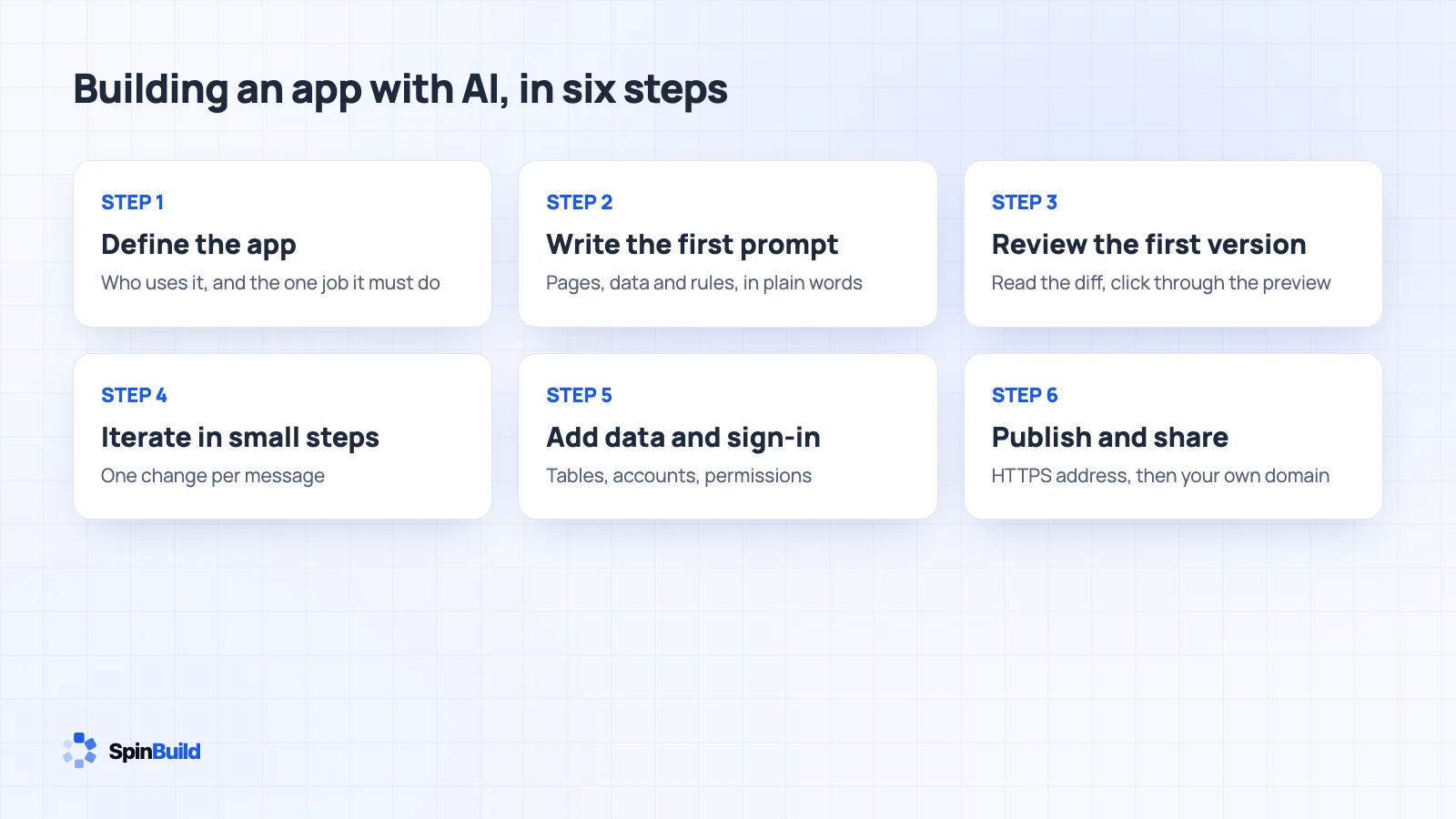
Step 1: Decide what the app has to remember
Before you open any tool, grab a notepad and answer three questions:
- Who uses it? Visitors who book classes, and the owner who runs the studio.
- What's the one job? Booking a class without phoning the studio.
- What does it remember? Classes (name, teacher, start time, capacity) and bookings (who booked which class).
The third question is the one that matters. Whatever your app remembers becomes the tables in its database, and the AI builds everything else around those tables. If you can write that list, you're ready to prompt.
Then cut the scope in half. Payments, reminders, a loyalty card: all later. A small app that works beats a big one that almost does, every time.
Step 2: Write a first prompt that names the data
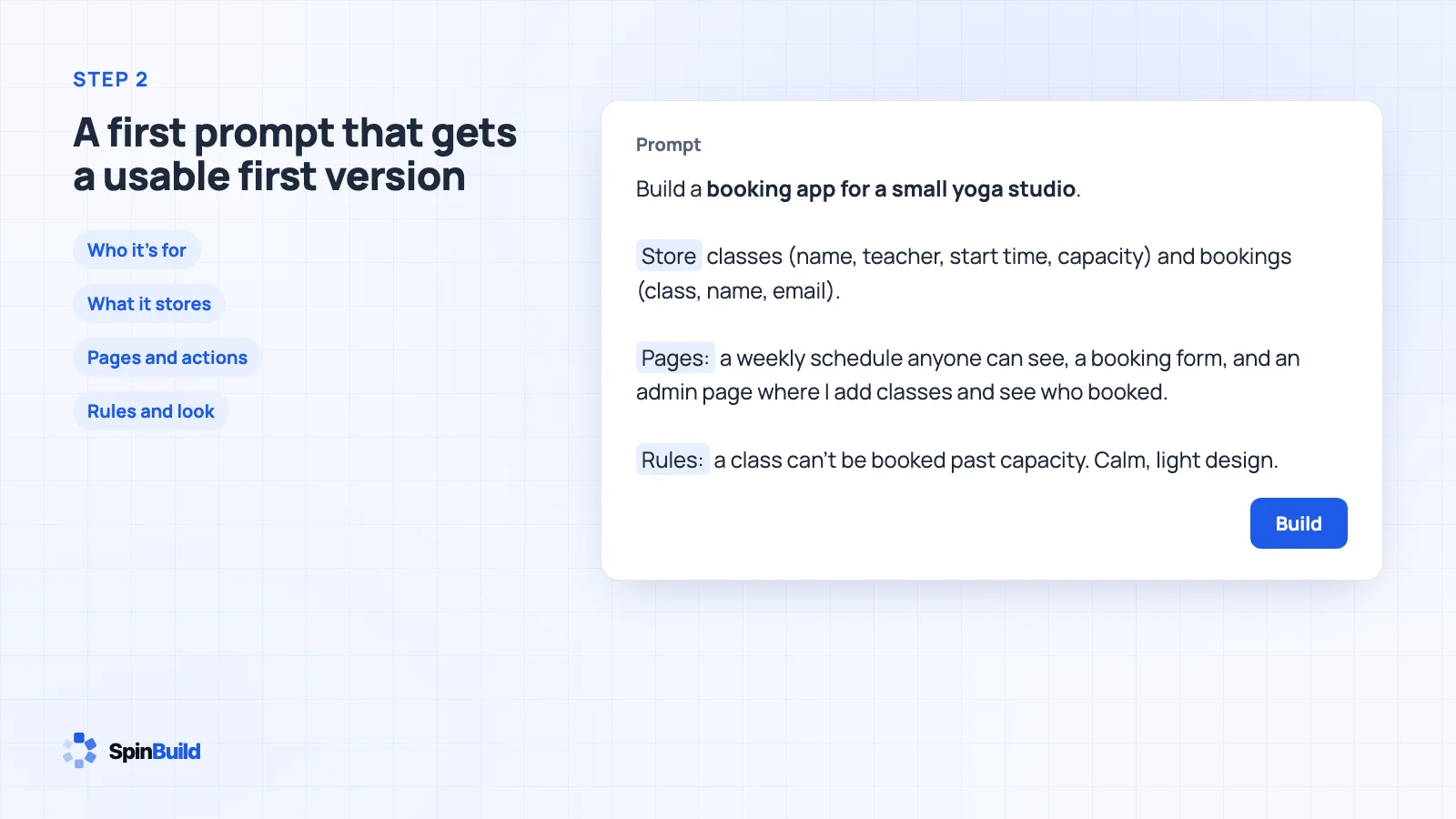
A first prompt that works covers four things: who it's for, what it stores, which pages it has, and the rules. Here's ours:
Build a booking app for a small yoga studio. Store classes (name, teacher, start time, capacity) and bookings (class, name, email). Pages: a weekly schedule anyone can see, a booking form, and an admin page where I add classes and see who booked. Rules: a class can't be booked past capacity. Calm, light design.
Why it works:
- It names the data. "Store classes and bookings" gives the AI a database to design. "Make a yoga app" gives it a vibe.
- It states the rule. "No overbooking" is exactly the kind of logic the AI won't invent on its own, and exactly what breaks first.
- It keeps the design short. "Calm, light design" is plenty for now. Fussing over colors in prompt one wastes credits.
Three shortcuts. If you already have a design, paste the Figma link and SpinBuild will build from the real frames. If you'd rather sketch the screens yourself, lay them out in SpinBuild Design, the built-in design mode, and ask the AI to build from your frames. And if your idea is close to something common, start from a template and change it.
You'll also pick a stack and a model. SpinBuild has more than a dozen stack options, including Next.js (the default), TanStack Start, React, Vue, Svelte, Preact, Astro, Vite or plain HTML for web apps and sites, Express, Fastify or Koa for a backend API, and Expo for mobile. For a booking app, Next.js is a good fit because it does pages and server code in one project. If you don't have a favorite, choose Auto and let SpinBuild pick per request.
Step 3: Test the first version properly
The first version takes a few minutes. Most people glance at it, say "nice," and type the next prompt. Don't. Spend five minutes trying to break it:
- Click every page in the live preview. Does the schedule show classes? Does the form actually submit?
- Do the reload test. Book a class, reload, and check the booking is still there. If it disappears, nothing is being saved yet. Fix that before anything else.
- Test the rule. Set a class's capacity to 1 and book it twice. The second booking should fail with a clear message.
- Read what changed. If you code, review the diff before accepting it. If you don't, at least read the AI's summary of what it did.
Step 4: Change one thing per message
This is the habit that separates people who finish apps from people who don't. Small, specific prompts:
- ✅ "On the schedule, gray out full classes and show 'Full' instead of the Book button."
- ❌ "Make the schedule better, add a waitlist, fix the colors and add payments."
The second prompt touches everything at once. If something breaks, you won't know which part broke it. One change per message keeps each change easy to check, and easy to undo. In SpinBuild every change is saved as a version, so going back to the last good one takes a click.
When something's wrong, describe it like a bug report, not a mood. "When I book a full class I get a blank page instead of an error" gets fixed. "Booking is broken" gets a guess.
Step 5: Add data and sign-in, then check the permissions yourself
Once the core works, make it a real app:
- More data. Ask in plain words: "Add a waitlist. When a class is full, people can join it with their email." A full-stack builder adds the table and the code that uses it. In SpinBuild each project has its own private Postgres database, and new tables arrive as migrations you can read. Our full-stack database guide explains how that works.
- Accounts. "Only the studio owner can open the admin page. Add sign-in with Google and email." SpinBuild apps support email and password, Google, GitHub and LinkedIn sign-in with no keys to set up.
- Check permissions like an attacker would. Sign out, then type the admin page's address straight into the browser. If you get in, the AI hid a button instead of protecting a page. Tell it exactly that.
Step 6: Publish, then watch real people use it
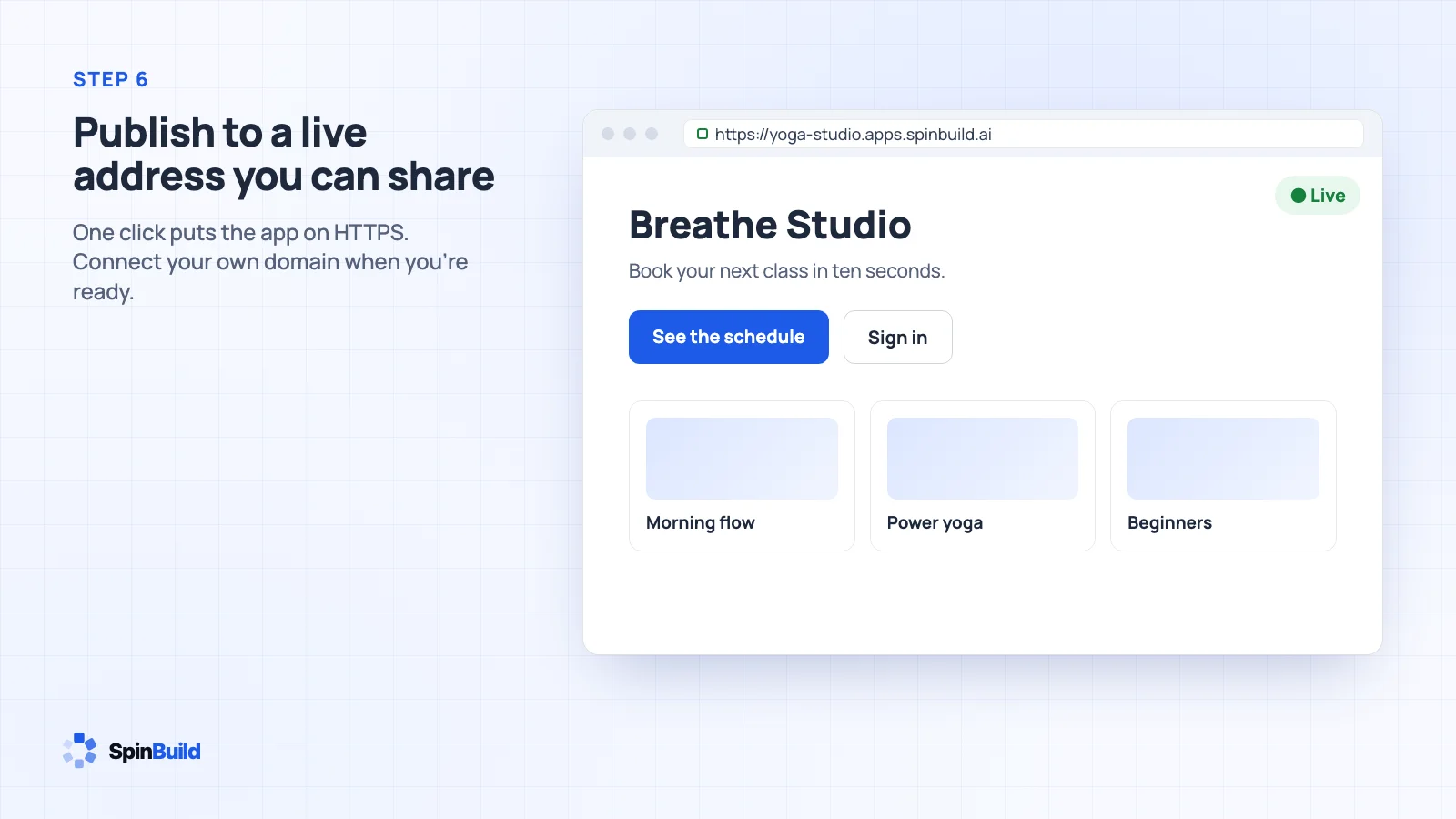
When it works, publish. In SpinBuild that's one click, and the app goes live at an address like https://yoga-studio.apps.spinbuild.ai, over HTTPS. The published app uses the same database as your preview, so the classes you entered while building are already there.
Then do the part most guides skip:
- Hand it to five real users and watch. Don't explain anything. Ten minutes of watching someone get lost teaches you more than a day of prompting.
- Connect your domain on a paid plan, or buy one inside SpinBuild. See custom domains.
- Sync to GitHub so you have your own copy, with full history.
- Need it on phones? SpinBuild also builds native mobile apps with Expo.
The mistakes we see most
- The giant first prompt. Three paragraphs of features produce a tangle you can't check. Start small.
- Skipping the reload test. If data doesn't survive a reload, you don't have a backend yet, however good it looks.
- Accepting changes blind. Read the diff or the summary, then click through the preview. Every time.
- Mistaking hidden for secure. Hiding the admin link isn't security. The server has to check who's asking.
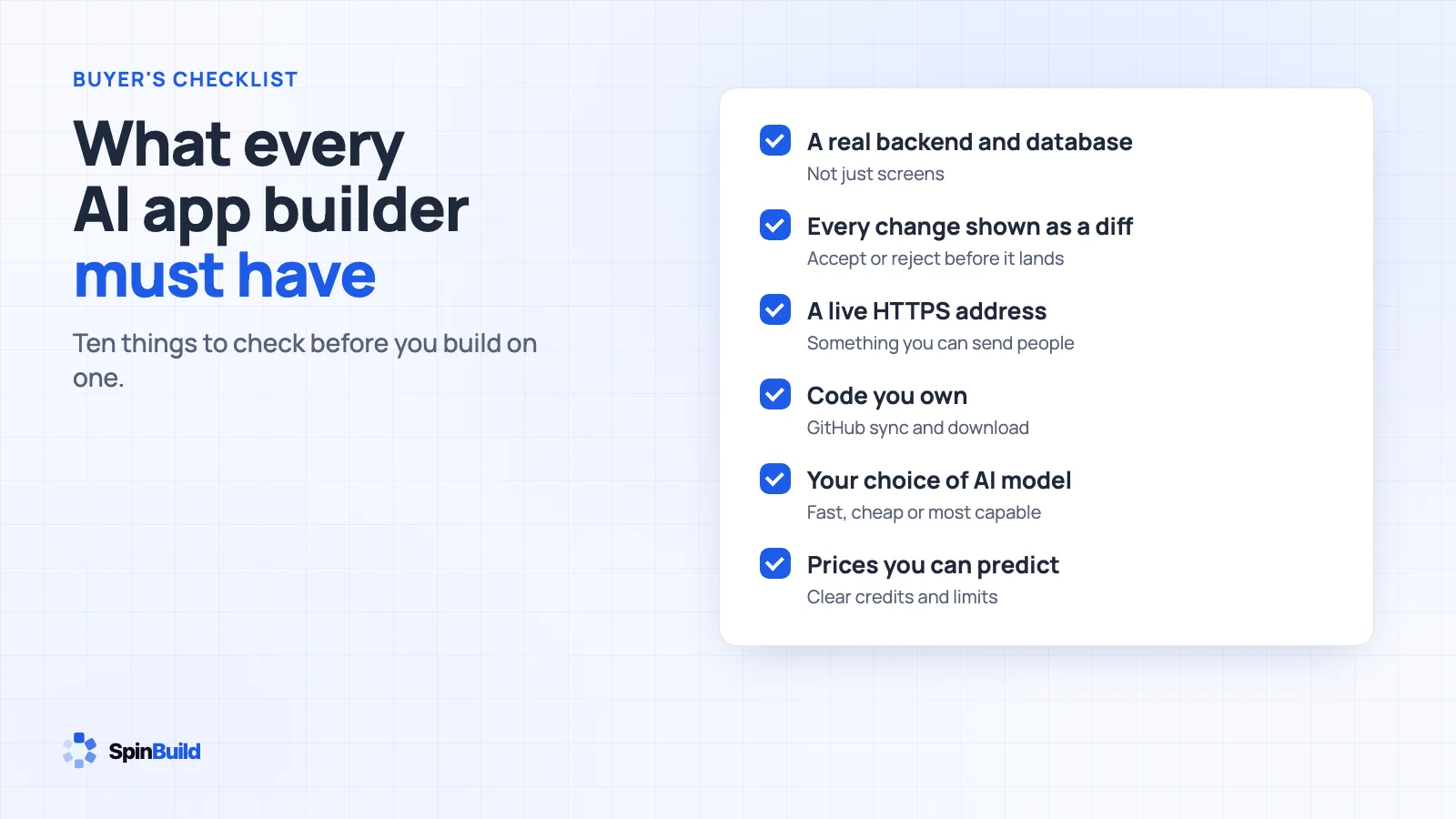
- Picking a tool you can't leave. Make sure you can export your code. Our AI app builder checklist covers this and nine other things to check.
Frequently asked questions
Can I really build an app with AI without coding?
Yes. You can describe an app and get a working version with pages, a database and a live address without writing code. The real work is deciding what the app should do and testing it carefully.
How long does it take to build an app with AI?
A first working version of a simple app often takes minutes. Making it ready for real users, with the right rules, sign-in and polish, usually takes a few hours to a few days of small changes.
What should my first prompt include?
Who the app is for, what it needs to store, which pages it has and the rules it must follow. Add a few words about the look.
How much does it cost to build an app with AI?
It depends on the tool and the AI model. SpinBuild plans start at $5 a month, with 80% off your first monthly payment, and every message shows what it cost. See pricing.
Can AI build a mobile app too?
Yes. In SpinBuild, choose Mobile app and it creates an Expo (React Native) project you can open on your phone with a QR code.
Related reading
Related topics
ai app builder
10 Essential Things an AI App Builder Must Have
The 10 things an AI app builder must have before you trust it with real users: a real database, reviewable changes, one-click publishing and code you own.
8 min · Nov 28, 2026
ai app builder
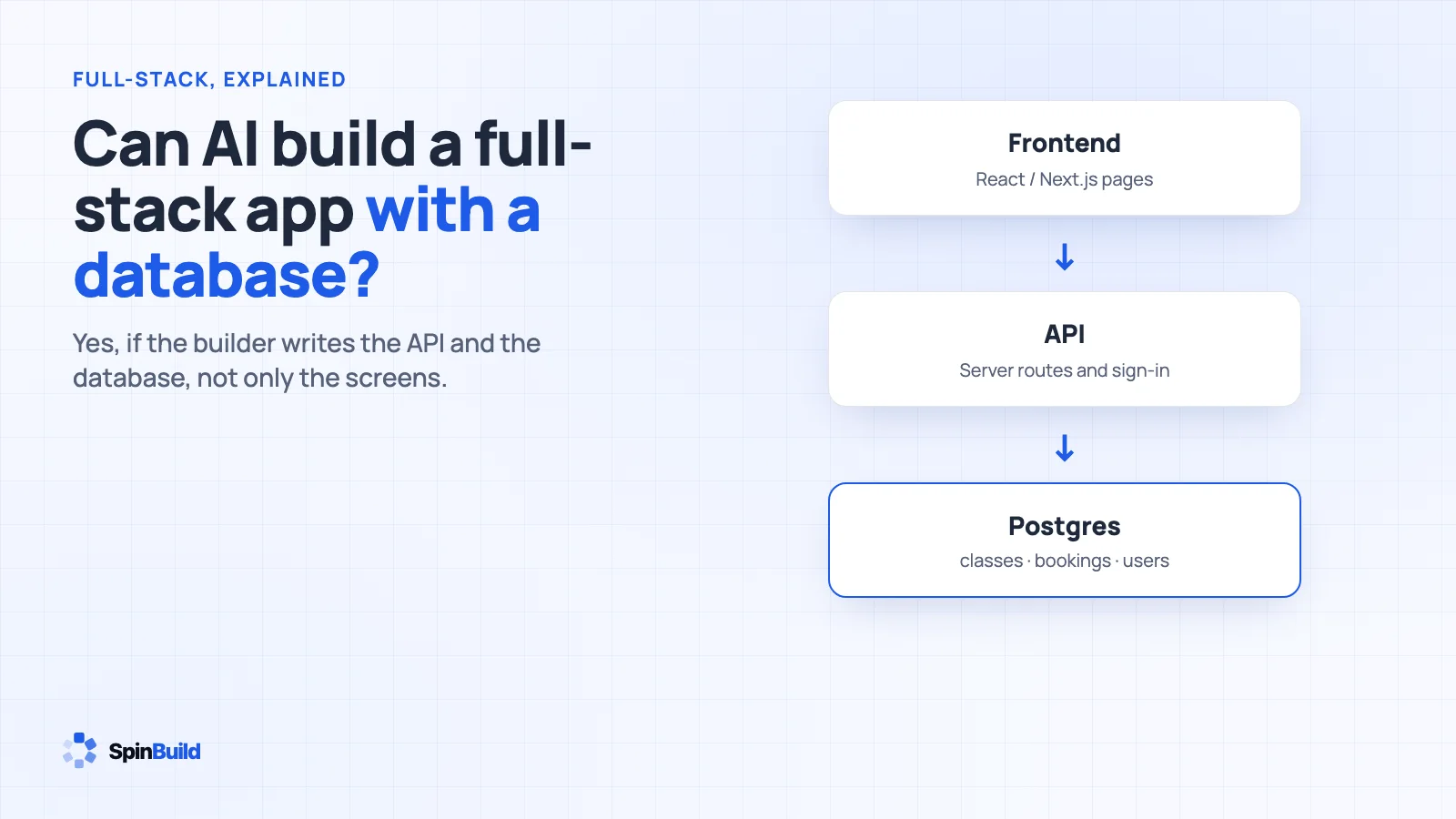
Can an AI App Builder Make a Full-Stack App with a Database?
Yes, if it writes the backend and database too. What full-stack means, how to test for a real database, and how SpinBuild gives every app private Postgres.
6 min · Nov 28, 2026
ai app builder
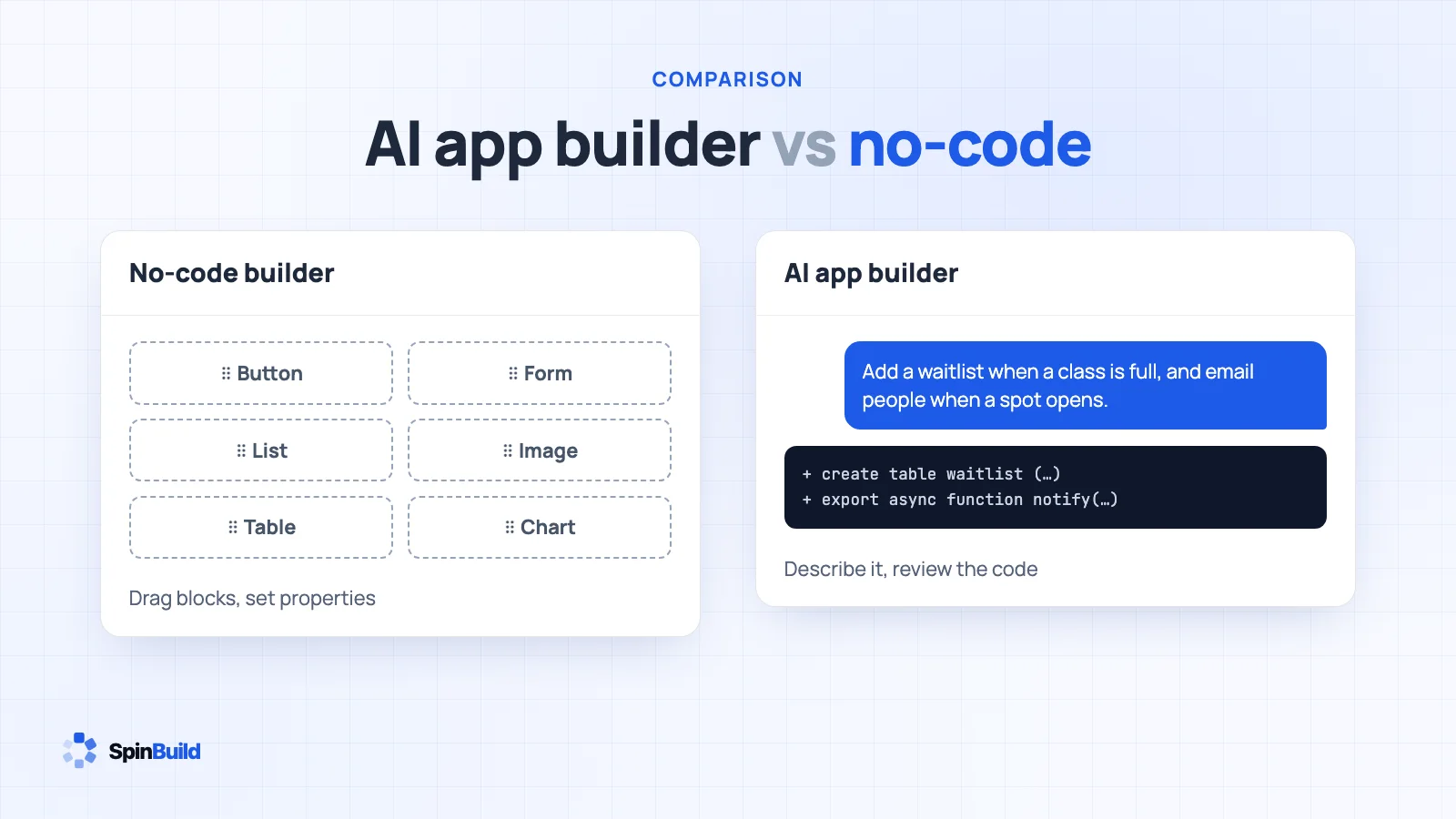
AI App Builder vs No-Code Builder: Which to Use?
AI app builder or no-code builder? An honest comparison of how you build, custom logic, data and code ownership, and when each one is the better choice.
6 min · Nov 28, 2026
Comments
Join in. You don’t need an account.